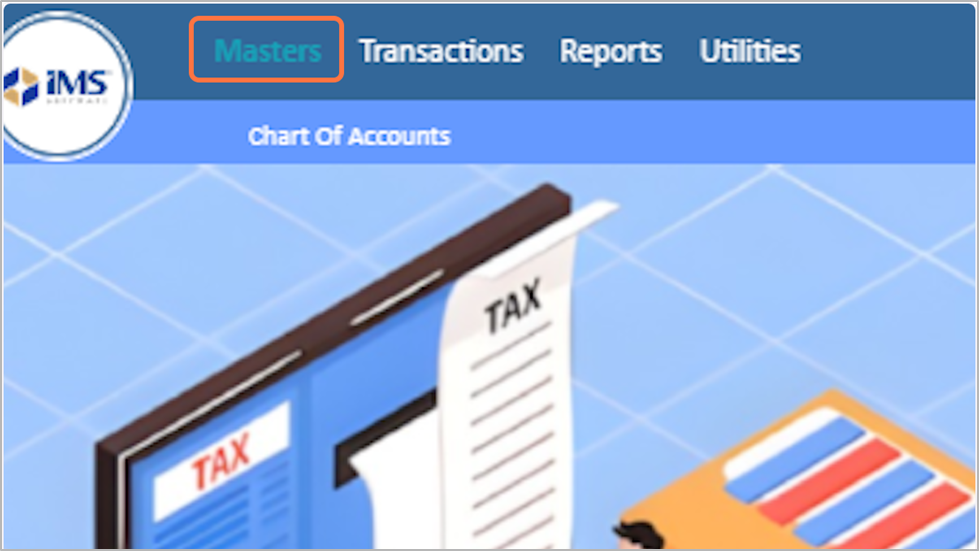
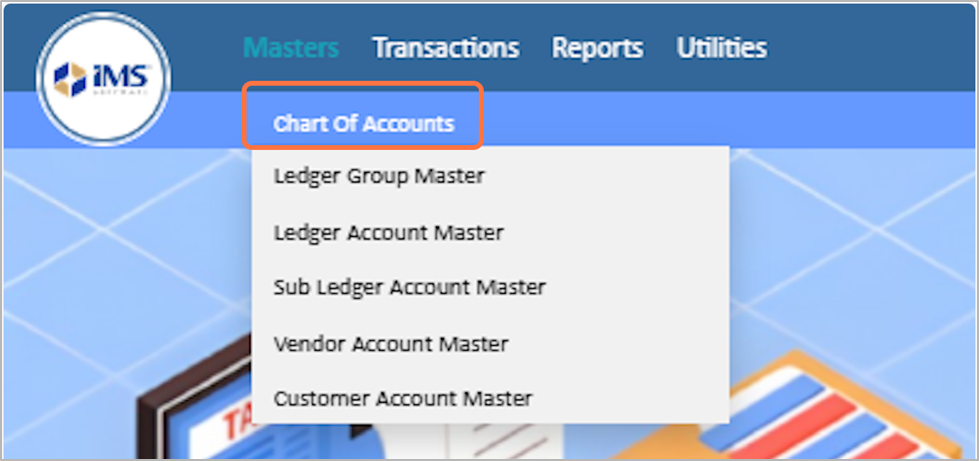
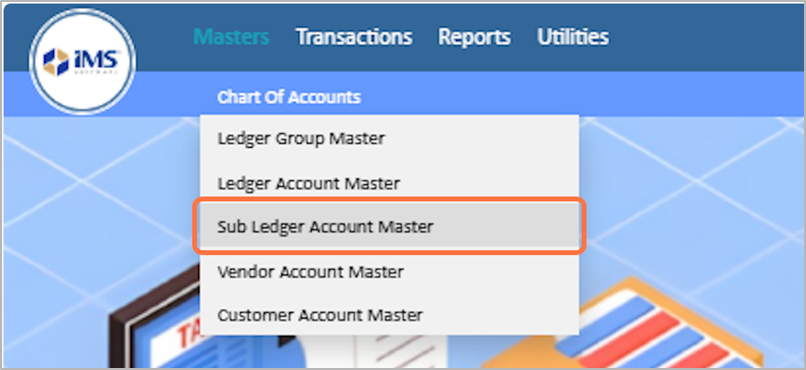
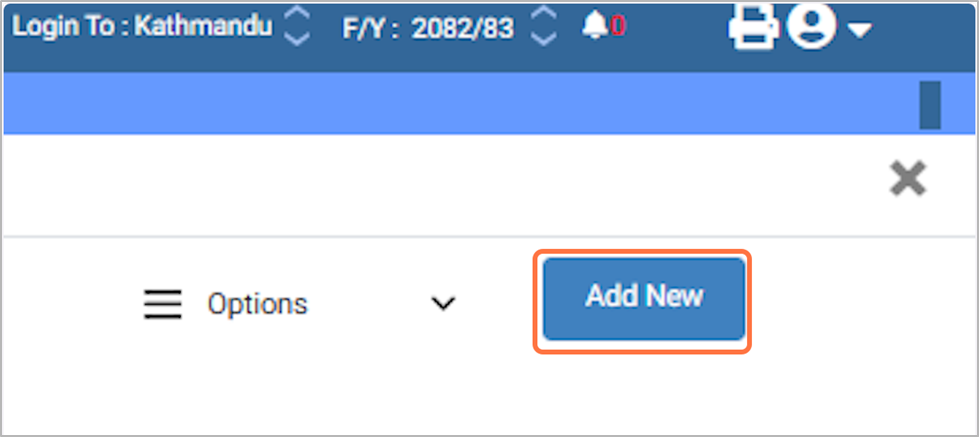
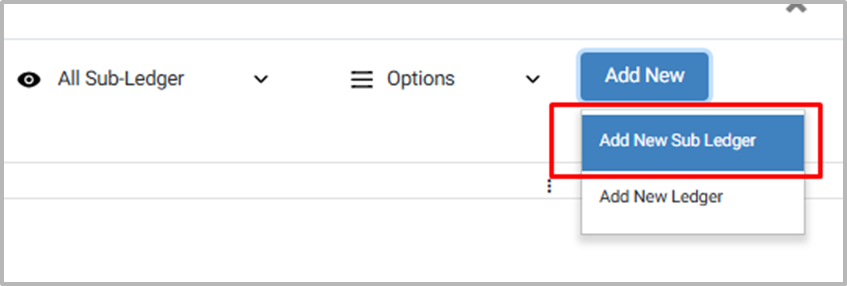
A Sub Ledger is a detailed ledger that is part of a Main Ledger. It is used to record and track specific transactions related to a particular account in more detail, without cluttering the main ledger. Steps to Create, Edit & Manage Sub Ledger:
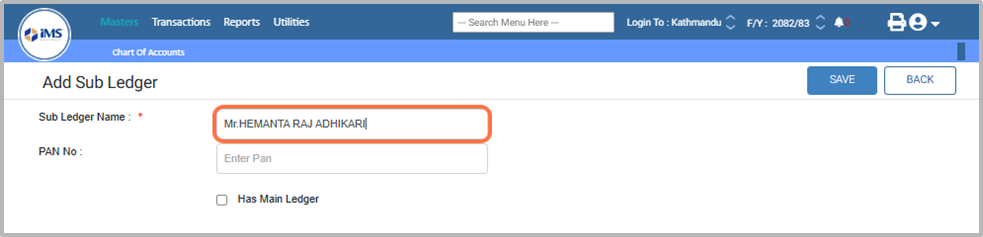
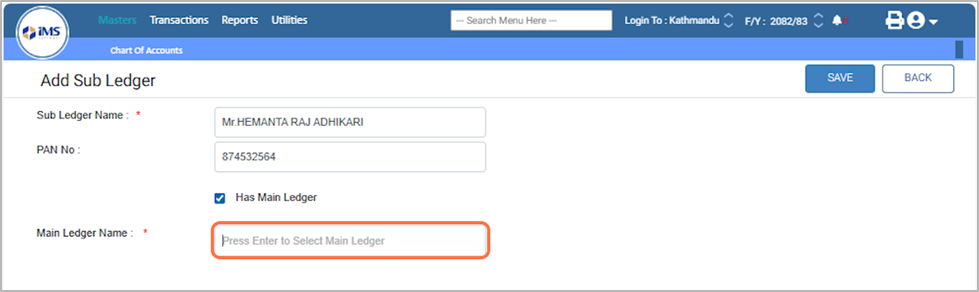
6. Enter the name of Sub ledger Eg: Mr.HEMANTA RAJ ADHIKARI
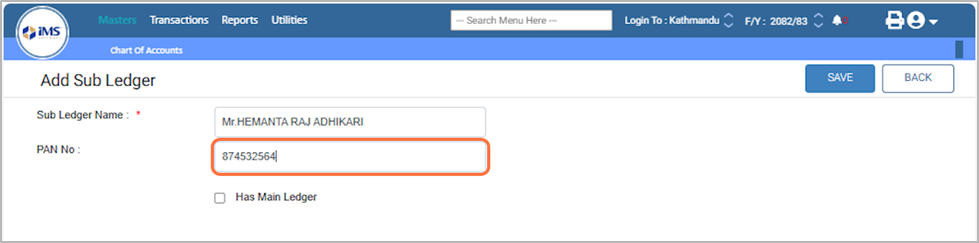
7. Enter the PAN number of the ledger if applicable; otherwise, you can save without entering it. Eg; 874532564
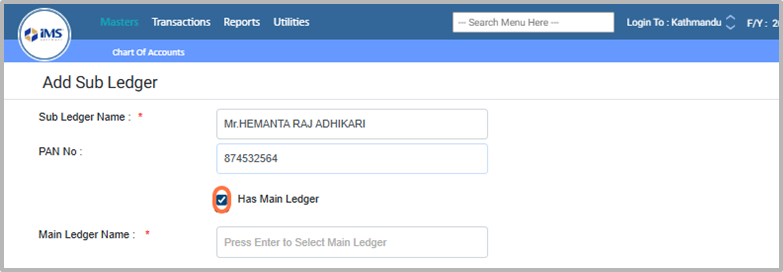
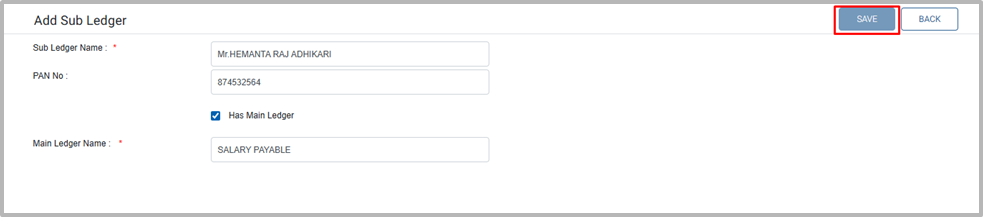
8. After entering the subledger details, click the Save button to add the subledger in the software. or If you want to map this subledger under a main ledger, tick the checkbox “Has Main Ledger”. This will map the subledger under the selected main ledger.
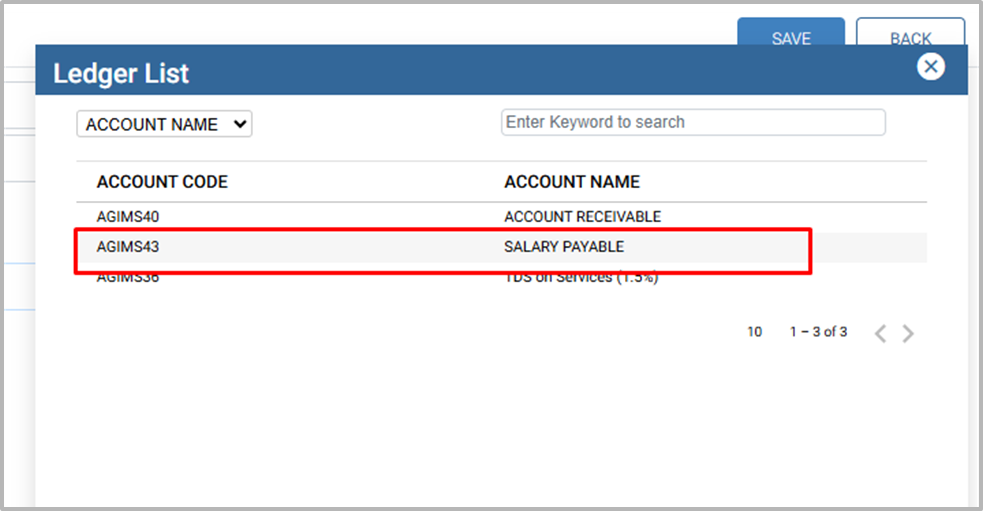
10. From the Ledger List, search or choose the Main Ledger. The ledger will be displayed only if you had ticked the “Has Sub Ledger” option while creating that ledger.
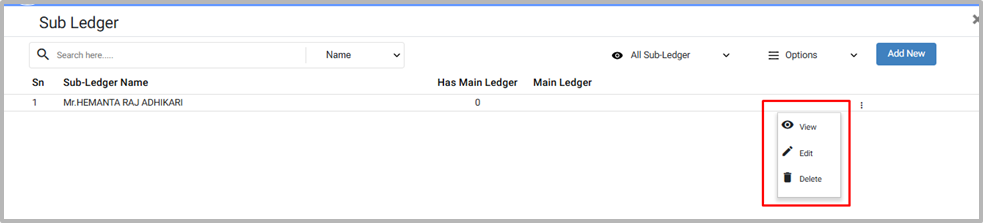
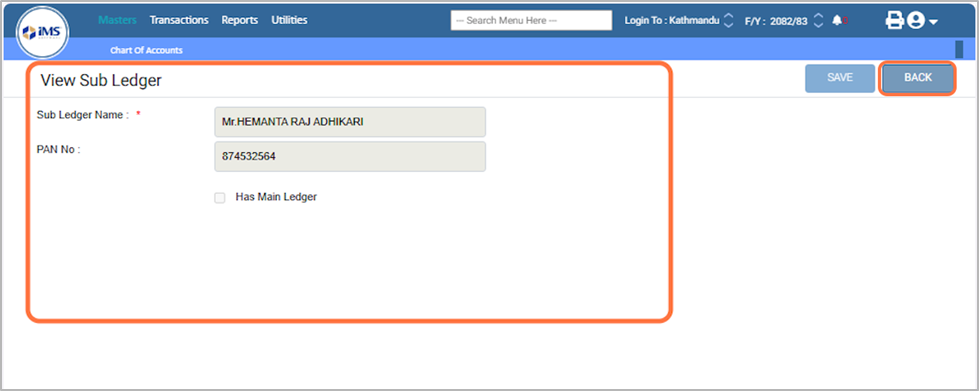
13. To view a ledger, click “View,” check the ledger details, and then click “Back” to return to the dashboard.
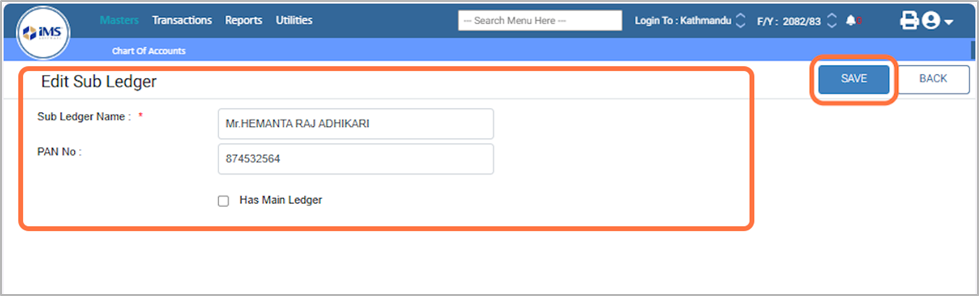
14. For Edit Sub Ledger, Click on “Edit” and modify the Sub Ledger name, PAN number, or Main Ledger name as needed, and then click “Save” to update with the new details.
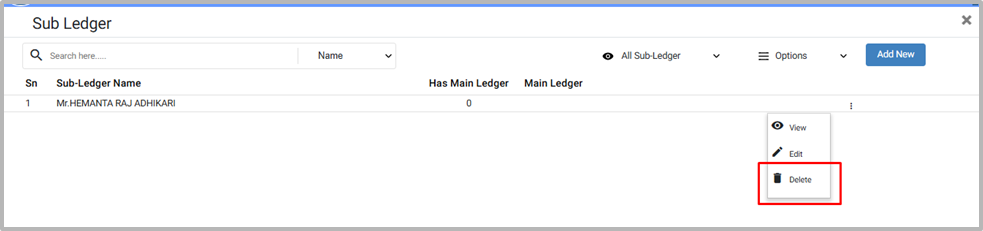
15. To delete a Sub ledger, click the “Delete” button. Confirm by clicking “OK” to delete, or click “Cancel” to abort the action.