Wiki » Sales Price info Menu »
Steps to Import Bulk Price Update Via Excel:
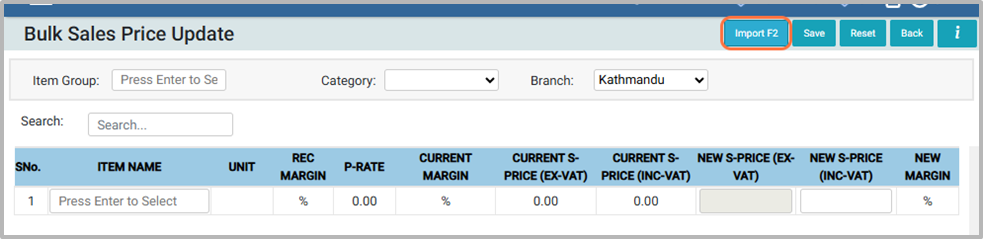
1. Click on Import or press F2 to proceed with the import process.
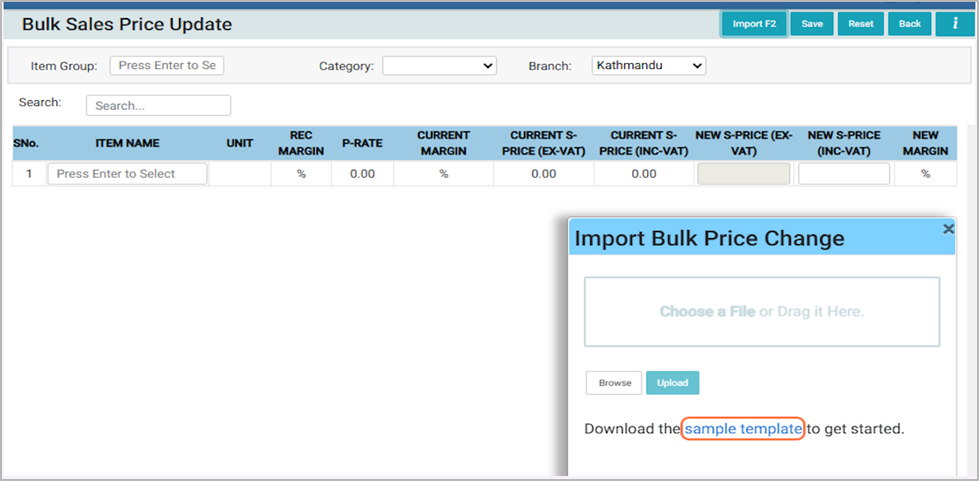
2. From Import Bulk Price Change pop up, click on the Sample Template
3. Open the downloaded file in Excel.
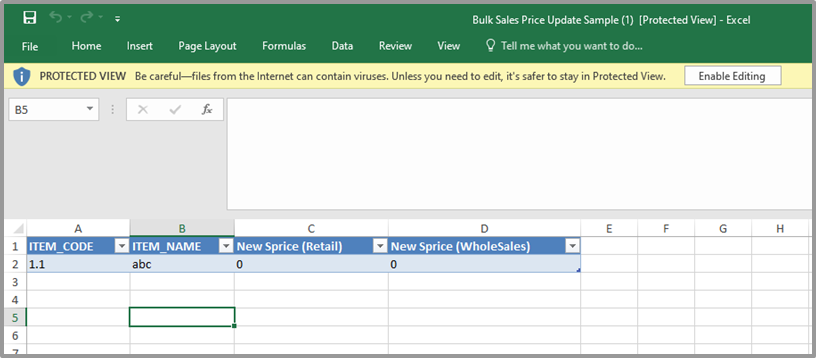
4. Enable Editing, make the required changes, and save the file.
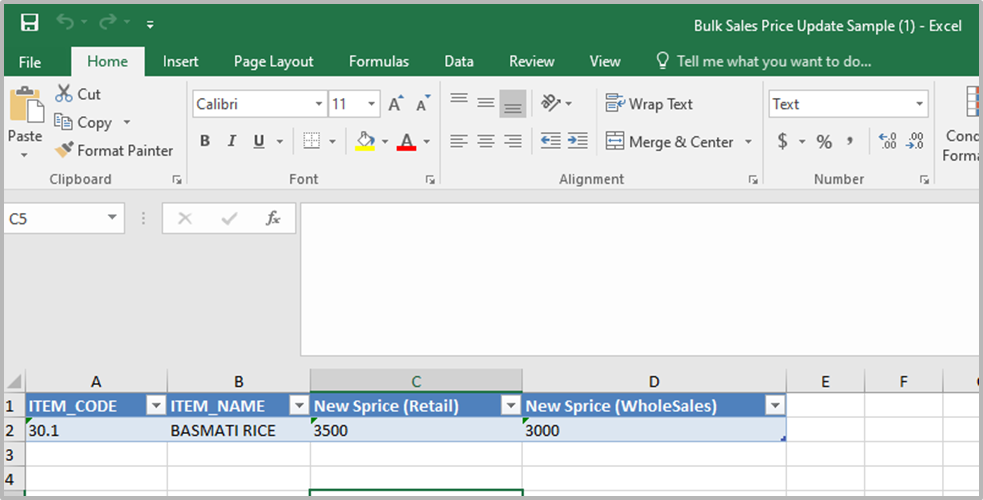
5. Go back to the software and click on the Choose File option.
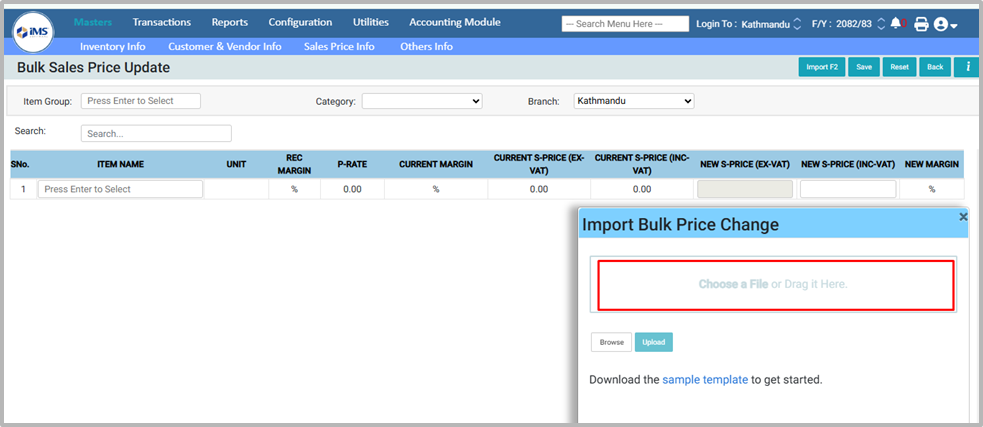
6. Choose the file from the saved destination and click Open to upload it.
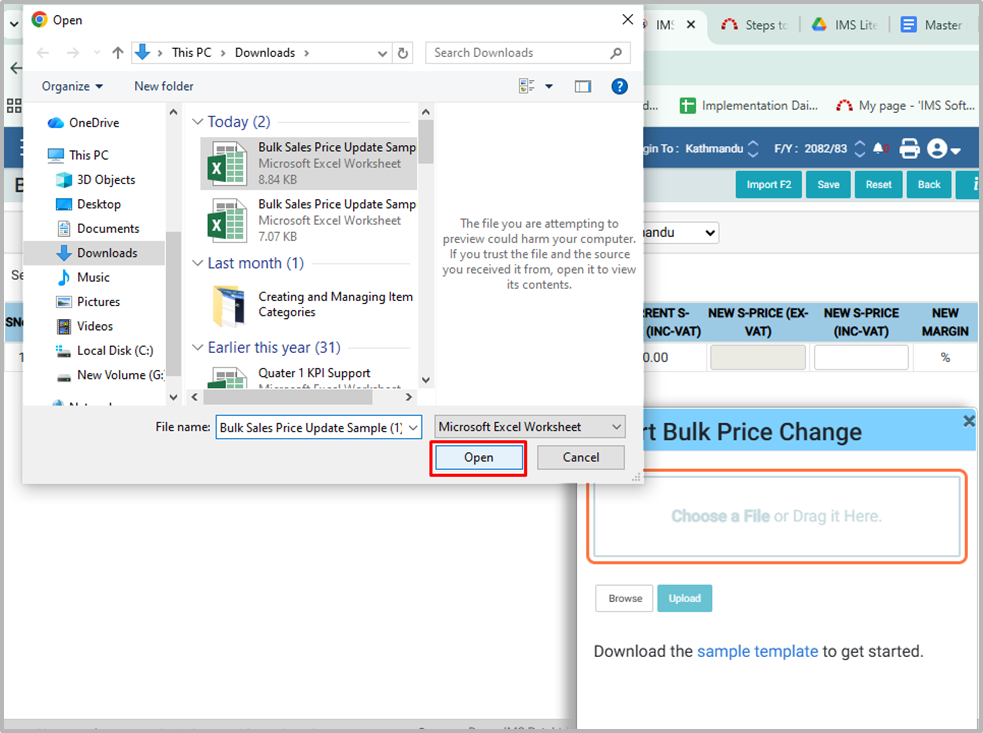
7. Click on Upload
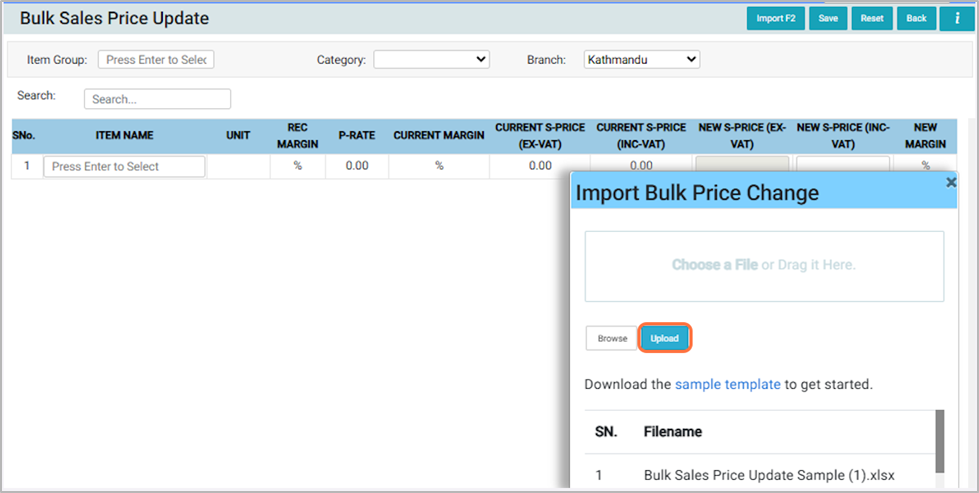
8. A preview will be shown here, where you can review or modify the prices if needed.
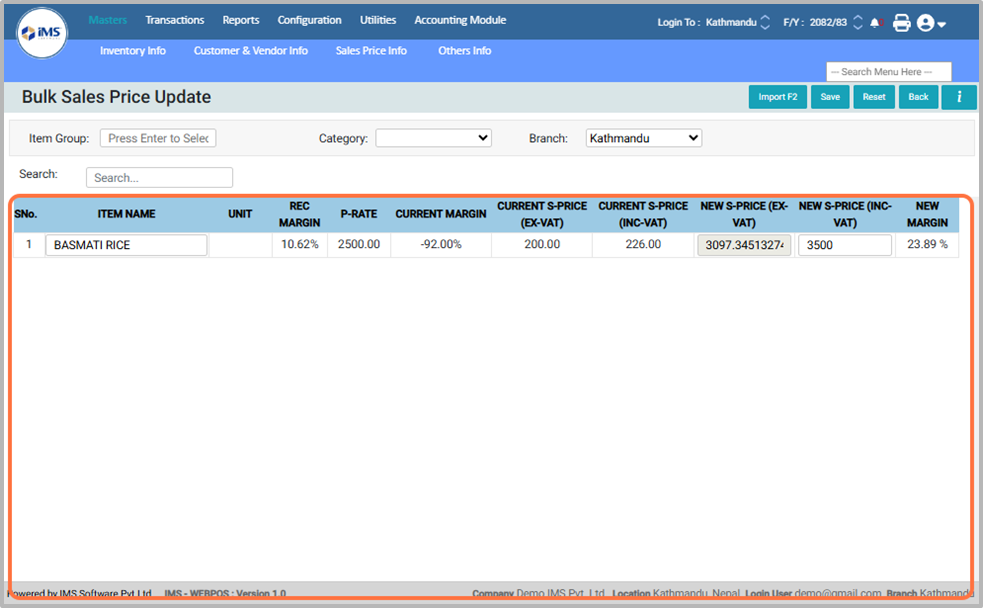
9. Click On The Save Button.
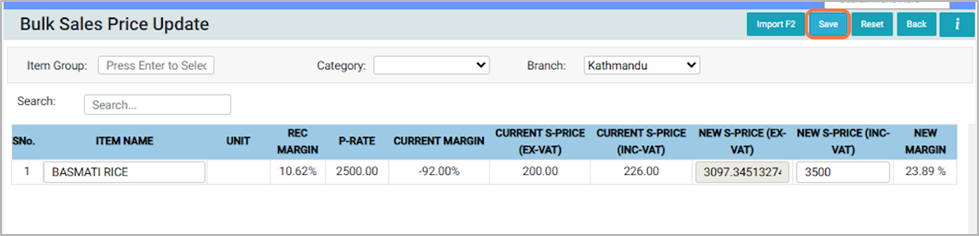
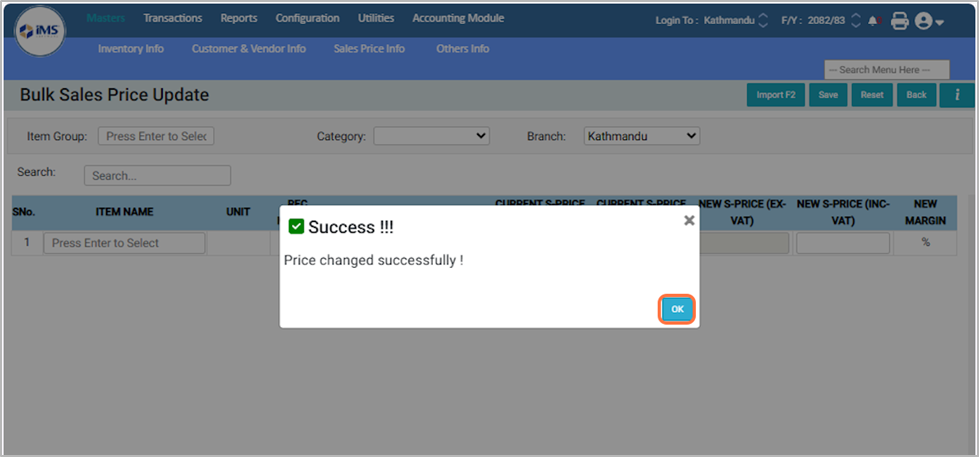
10. A message “Price Changed Successfully” will appear, confirming that the bulk price upload is complete.