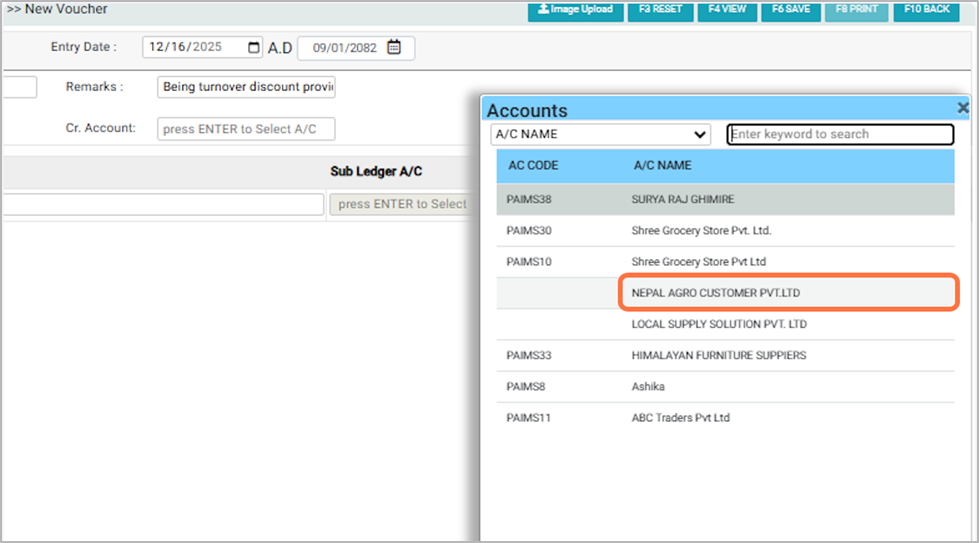
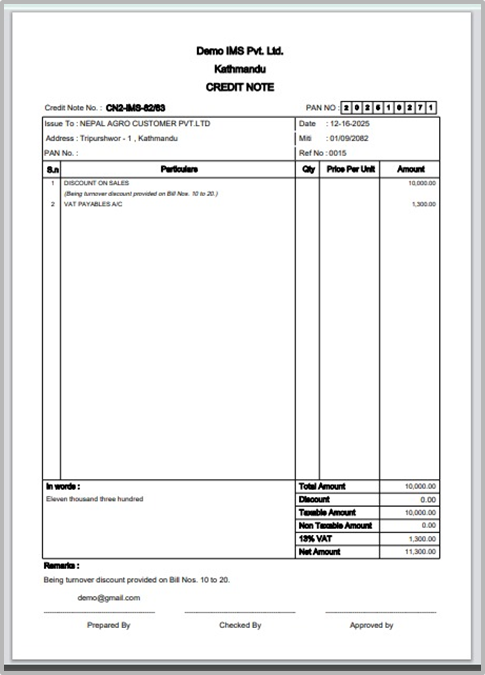
A Credit Note (Account-Based) is an accounting document used to reduce the amount receivable from a customer or reduce the amount payable to a supplier based on account adjustments, without referencing item details.It is essentially the opposite of a Debit Note (A/C Based). Note: Review all details carefully before saving. The Credit Note (Account-Based) Transaction cannot be edited after it is saved.
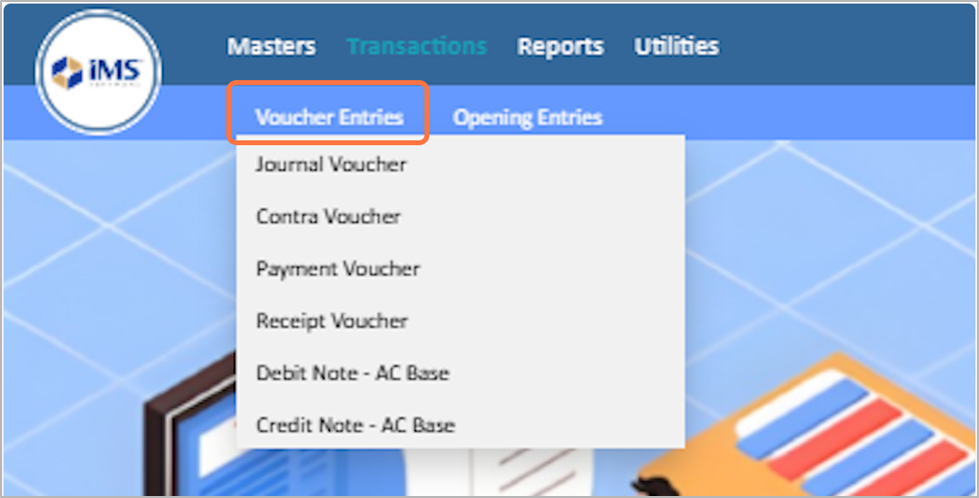
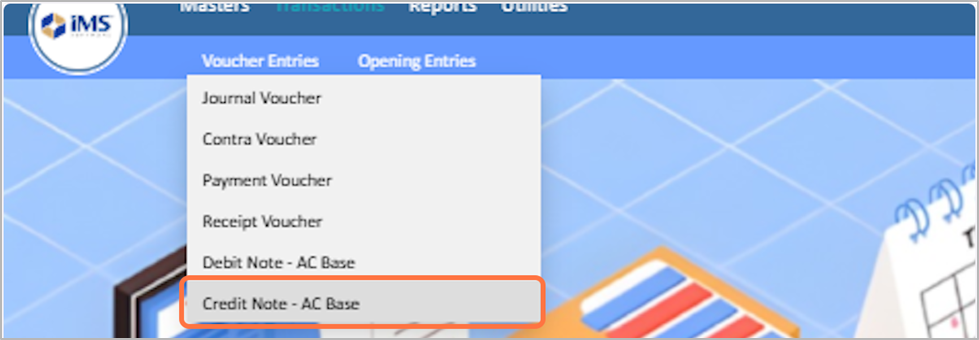
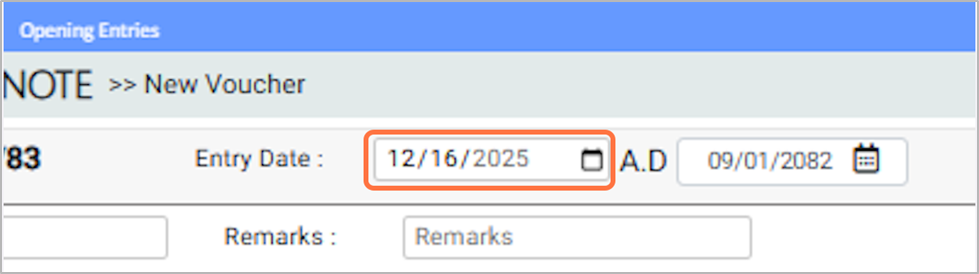
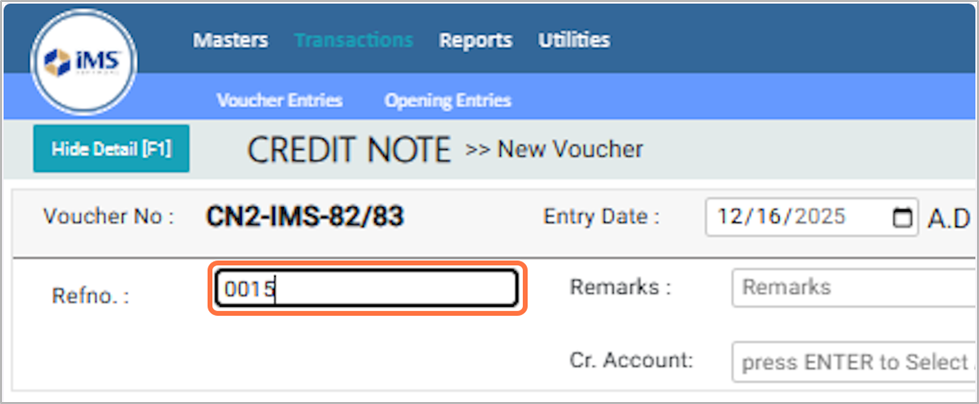
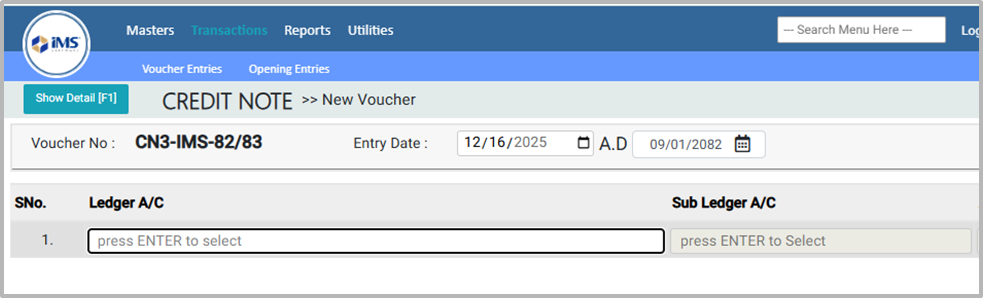
Step to Create Credit Note-AC Base: h3. 1. Click on the transactions From the main menu
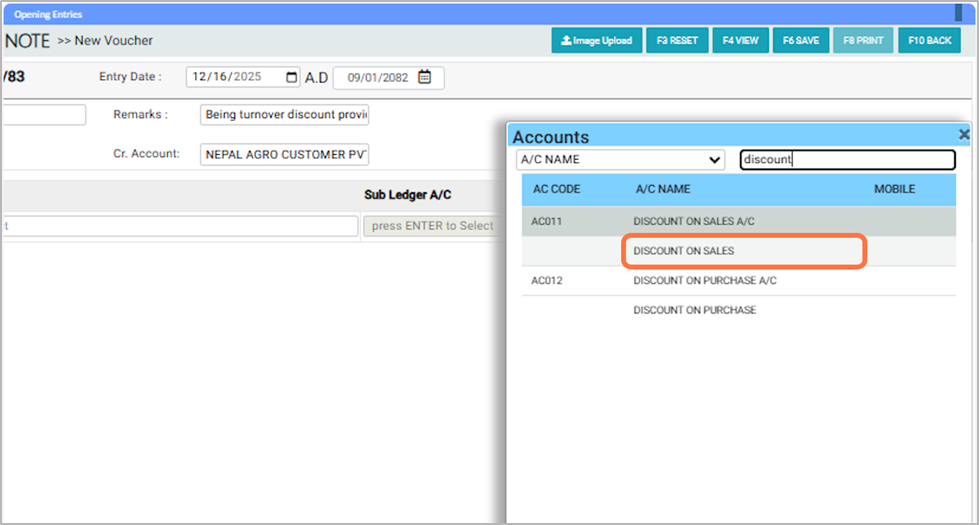
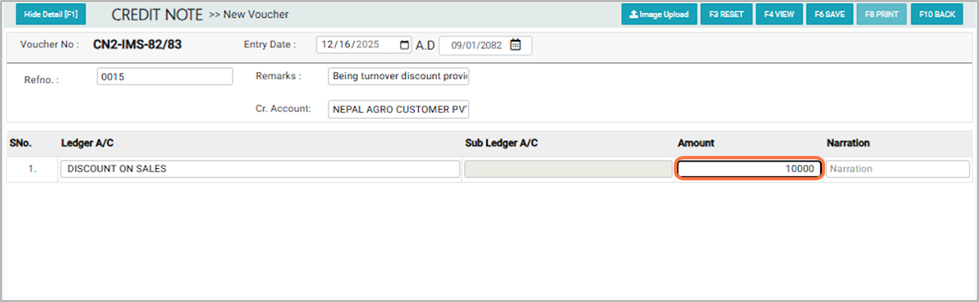
9. From the Account List pop-up, Search or choose the required ledger account, For Eg: DISCOUNT ON SALES
10. Enter the amount for the selected account, For EG: 10000
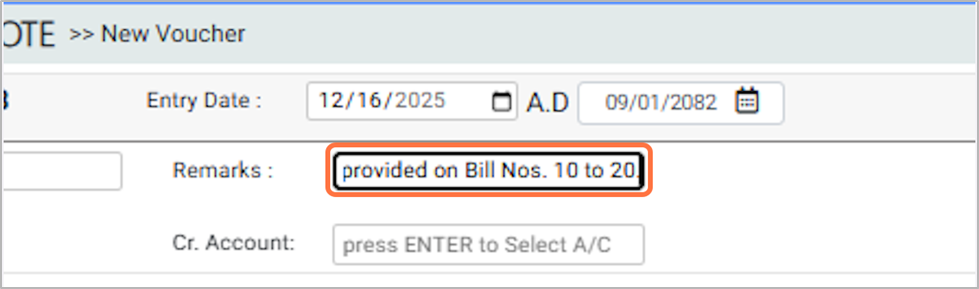
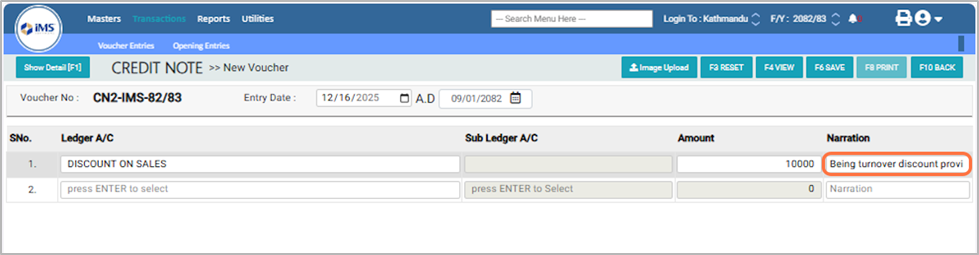
11. In the Narration field, enter a description of the transaction (e.g., Being turnover discount provided on Bill No. 10 to 20.)
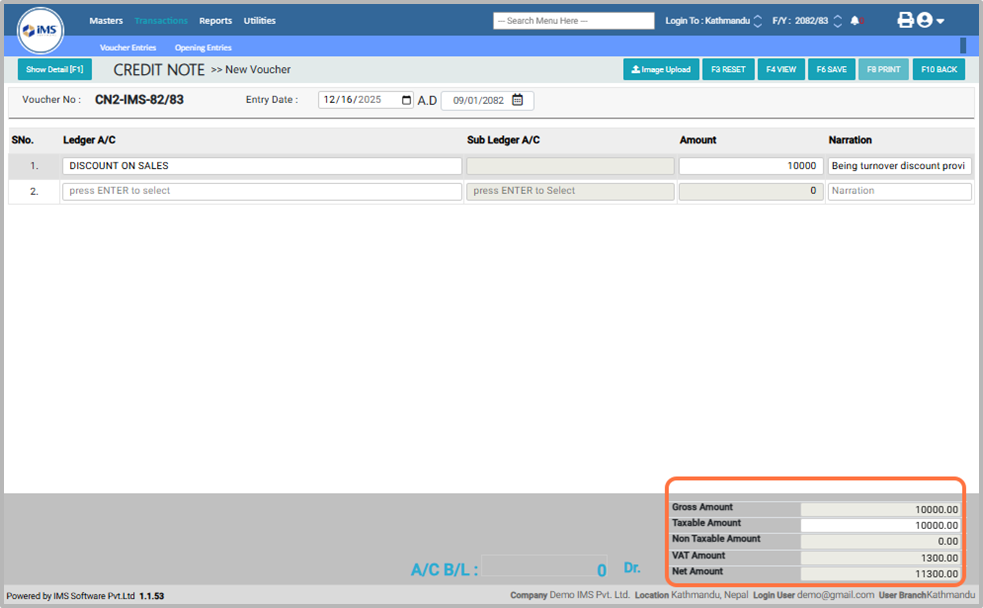
12. The Taxable Amount can be removed if no tax is applied in the transaction.
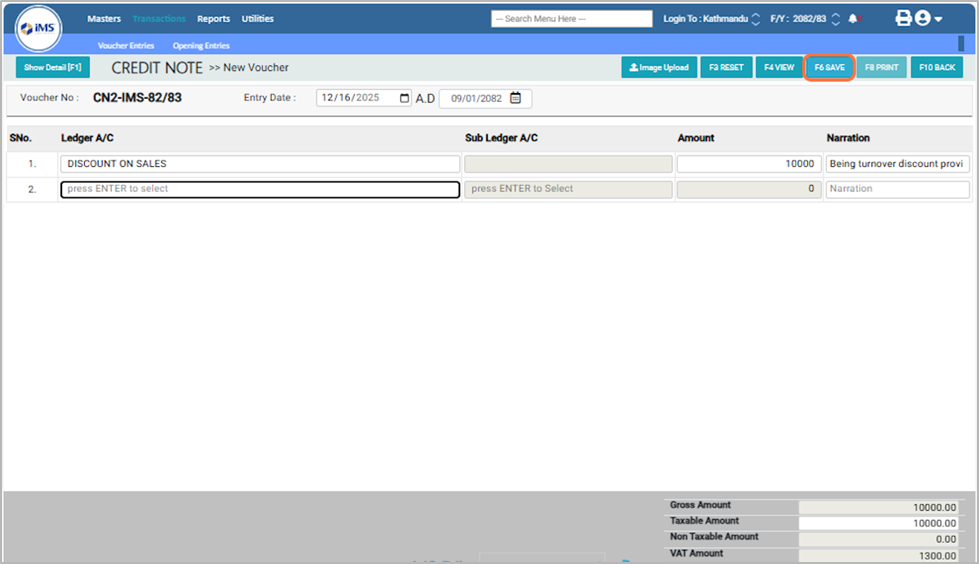
13. After entering all required details, click the Save button to record the transaction
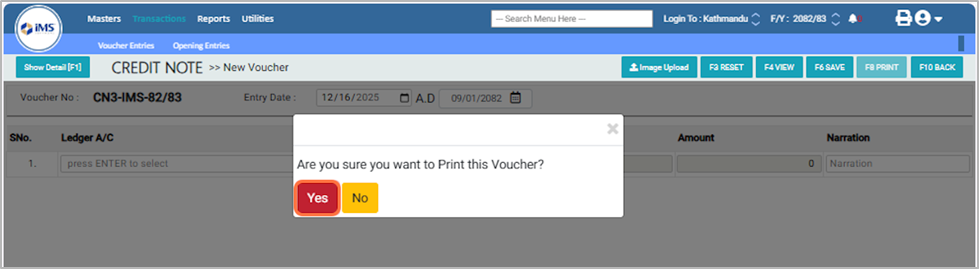
14. A confirmation pop-up will appear asking, "Are you sure you want to print this voucher?" Click Yes to print the voucher, or No to cancel the action.
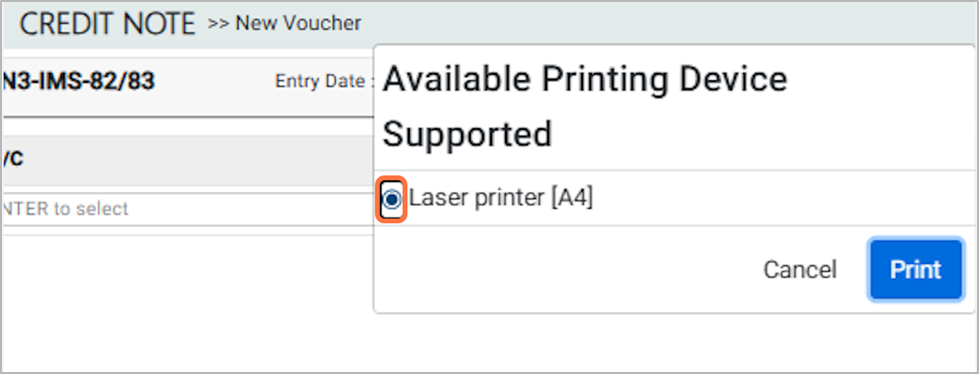
15. In the Available Printing Device Supported option, select the Laser Printer [F4] and then click the Print button.