Project

General

Profile

Step To View Company profile

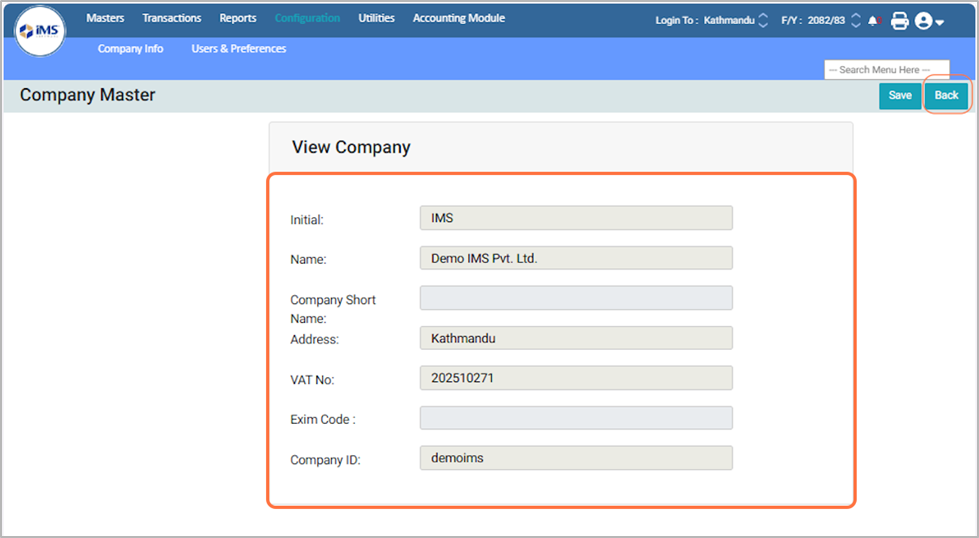
A Company Profile is a centralized record of essential company information stored in the system, such as the company name, address, VAT/PAN number, and other key details. It defines the company’s identity and contains core operational information intended for general client view only.

Steps to View the Company Profile:

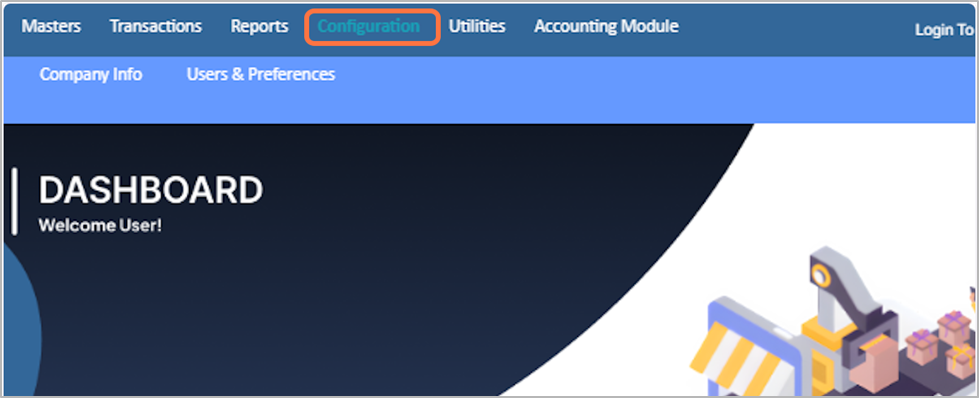
1. From the Main Menu, click on the Configuration Module.

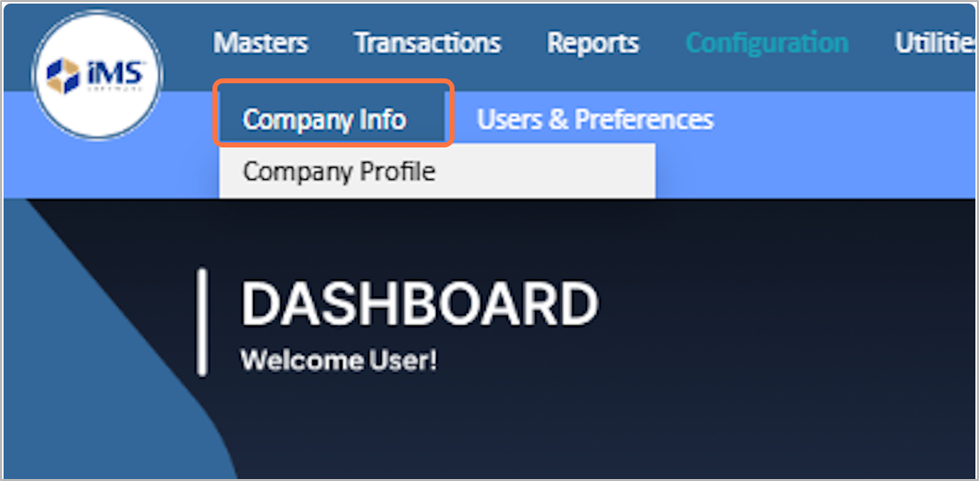
2. Click on the Company Info

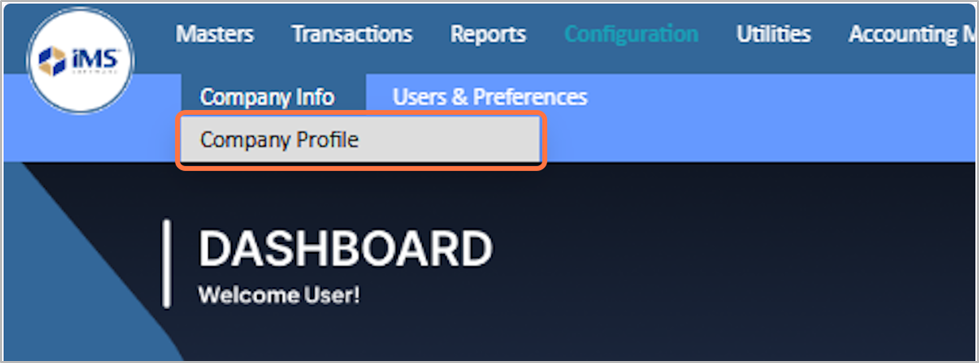
3. Select the Company Profile

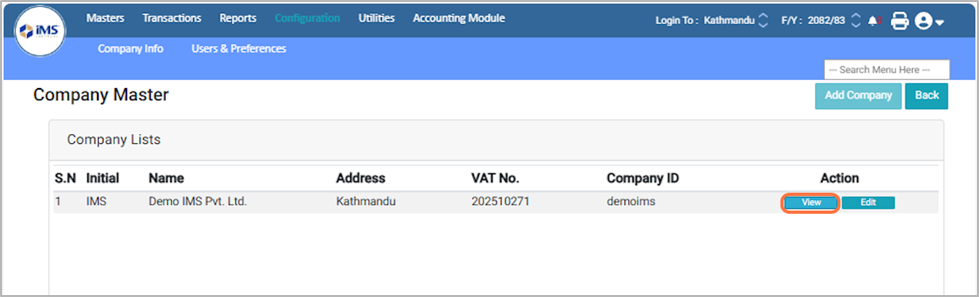
4. This screen displays a list of all companies available in the software.

5. Click the View button to open the company’s details.

6. View the details and click the Back button to return to the previous screen.