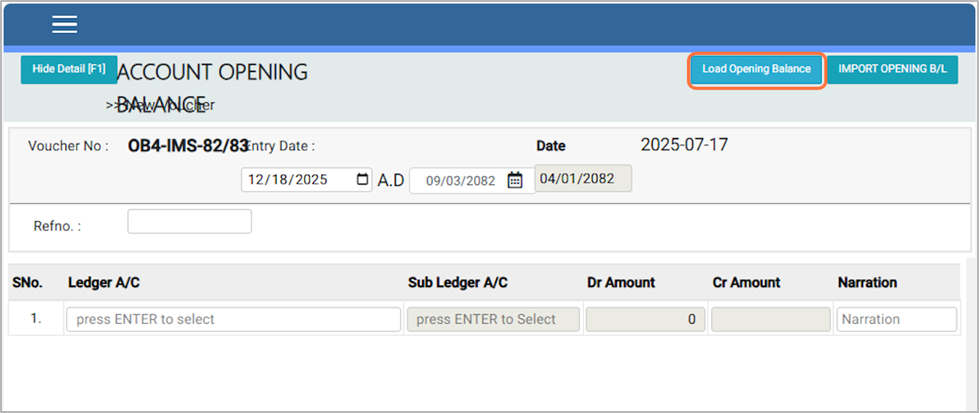
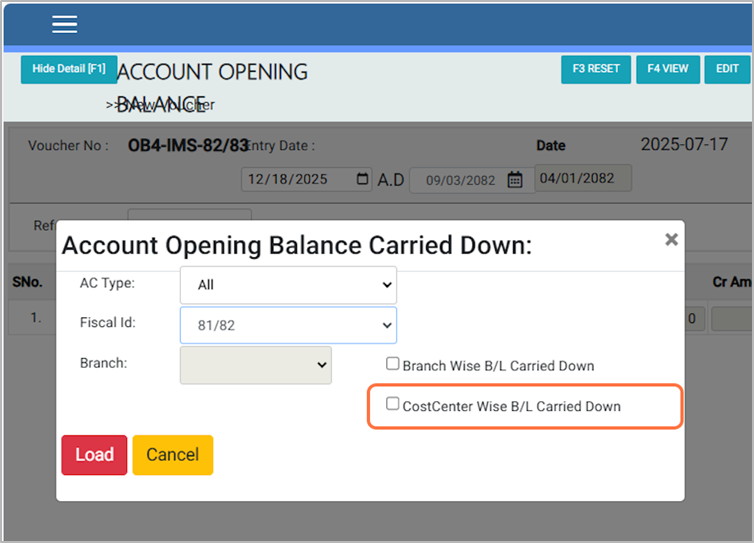
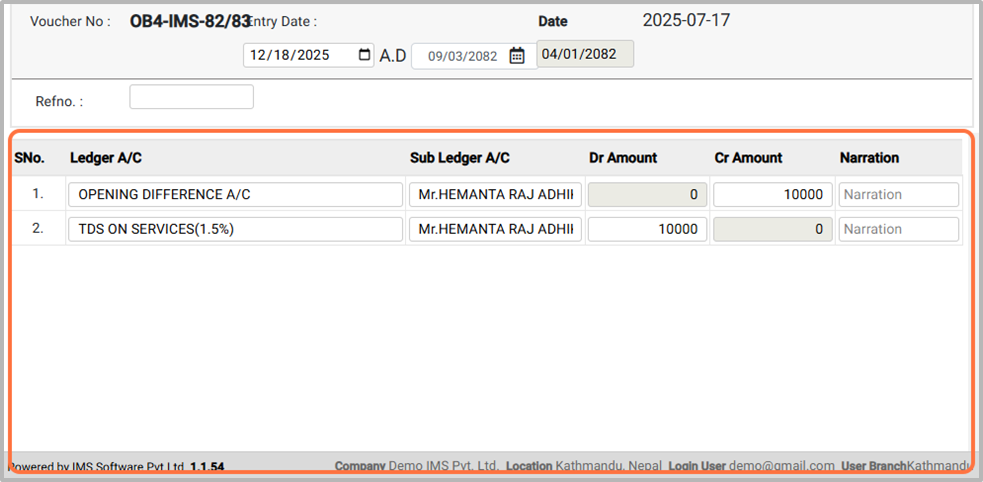
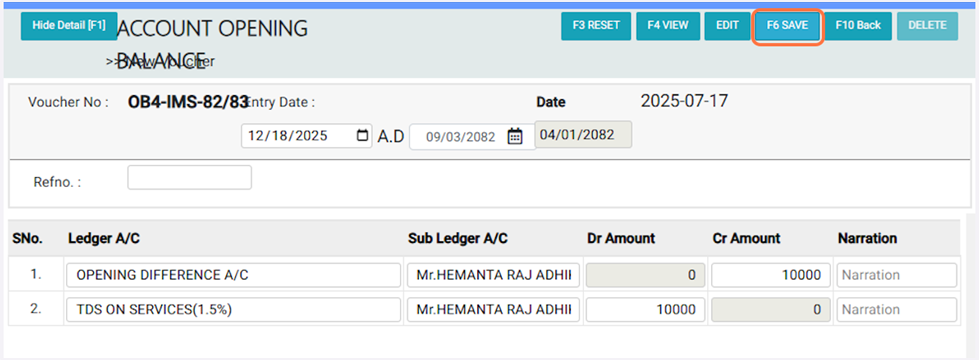
1. Press the Ctrl key on your keyboard. The Loading Opening Balance Button will appear. Click on it to continue.
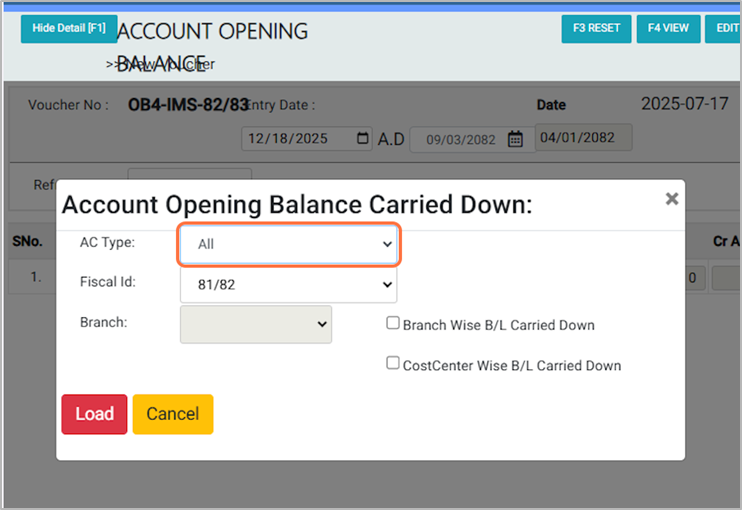
2. In the A/C Type, choose All, Assets, or Liabilities as per your requirement, For Eg: ALL
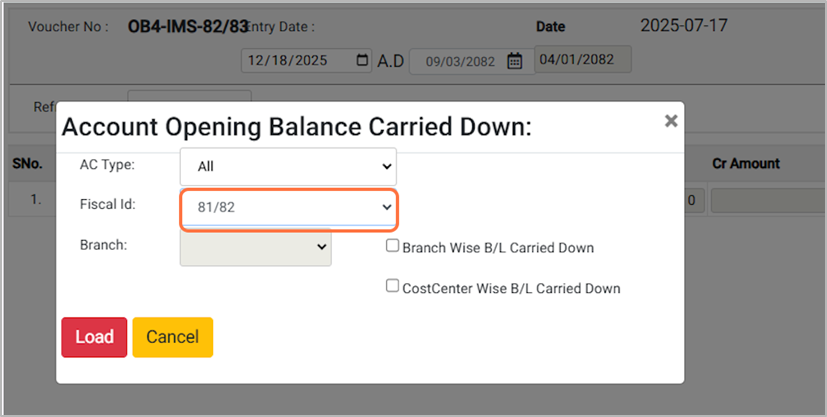
3. Choose the Fiscal ID (e.g., 81/82). This process is done on the first day of the new fiscal year to record the previous year’s opening balances.
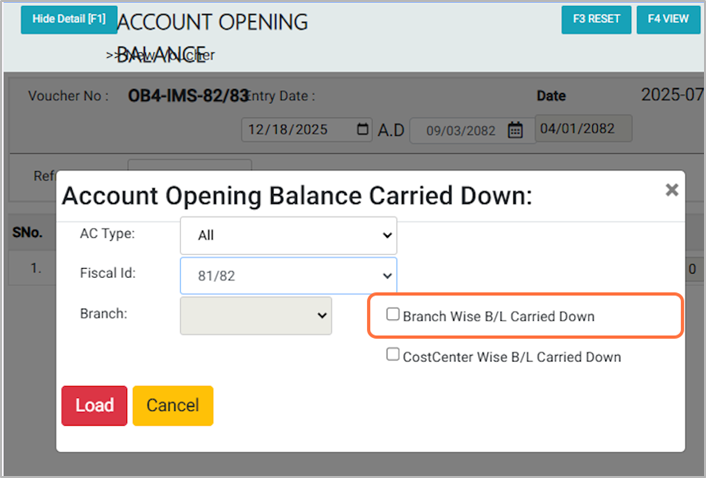
4. Tick Branch Wise B/L Carried Down to carry forward balances separately for each branch. Once ticked, the branch selection will be enabled—choose the branch as needed.
5. Tick Cost Center Wise B/L Carried Down to carry forward the opening balances separately for each cost center.