Process to Enter Ledger Opening Balance
Account / Ledger Opening Balance is the starting balance of an account or ledger at the beginning of a financial year or when the account is first created in the system.
Click this link for guidance on importing the opening balance Through Excel:
http://redmine.himshang.com.np:4000/projects/dashboard-overview/wiki/Process_for_Importing_Opening_Balance_through_Excel_Upload
Click this link for guidance on loading the previous year’s opening balance:
http://redmine.himshang.com.np:4000/projects/dashboard-overview/wiki/Process_to_Load_Previous_Year_Opening_Balance
Process to Enter Ledger Opening Balance Manually
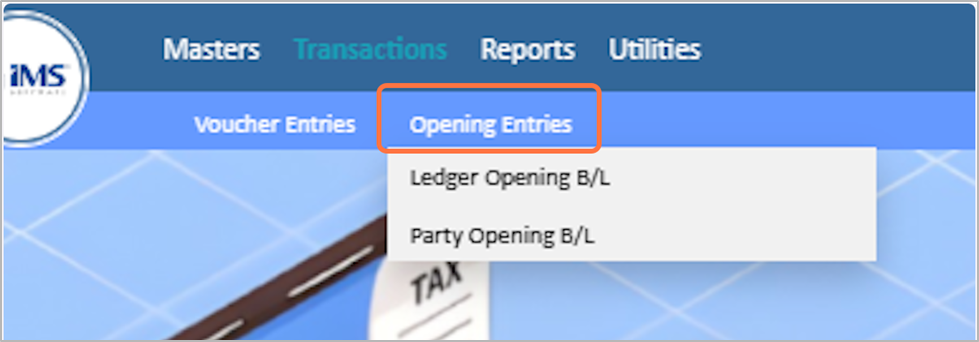
1. Click on the transactions From the main menu

2. Click on The Opening Entries
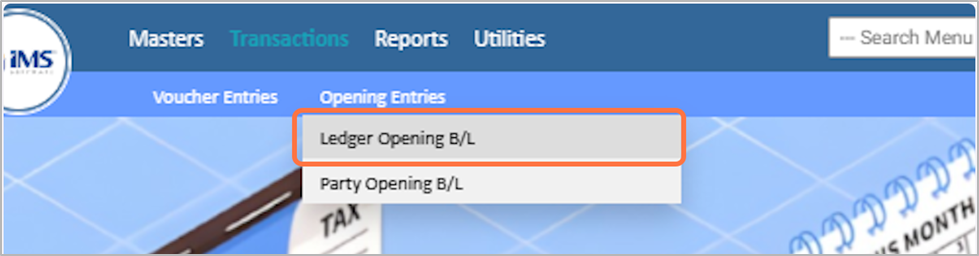
3. Choose the Ledger Opening B/L
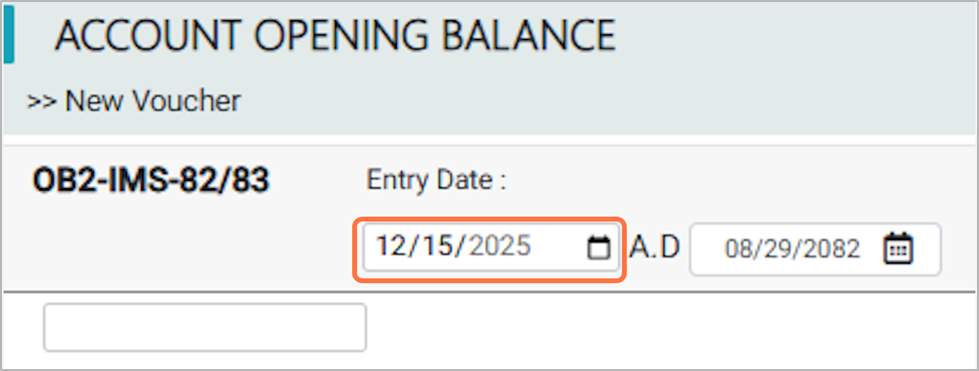
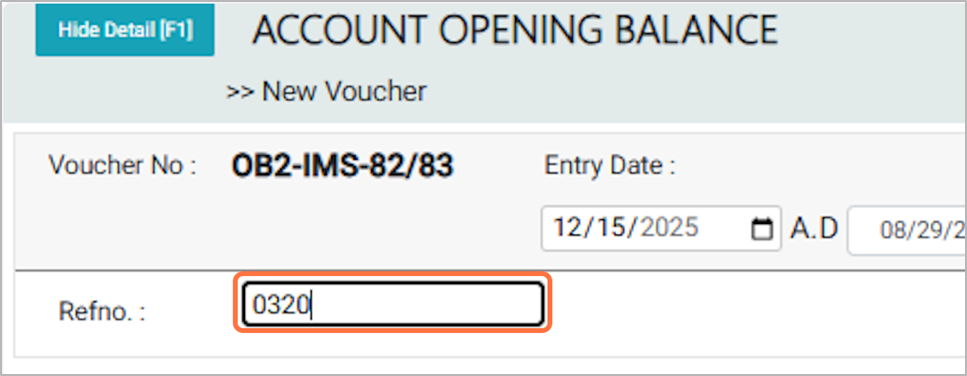
4. Choose the Opening Balance Entry Date, for EG: 2025-12-15
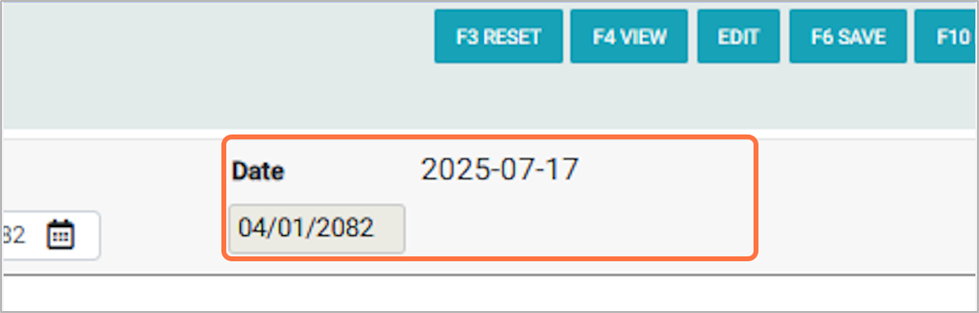
5. It shows the fiscal year start date corresponding to your voucher entry date, for EG: 2025-07-17
6. Enter the Reference Bill Number(Refno), for EG: 0320
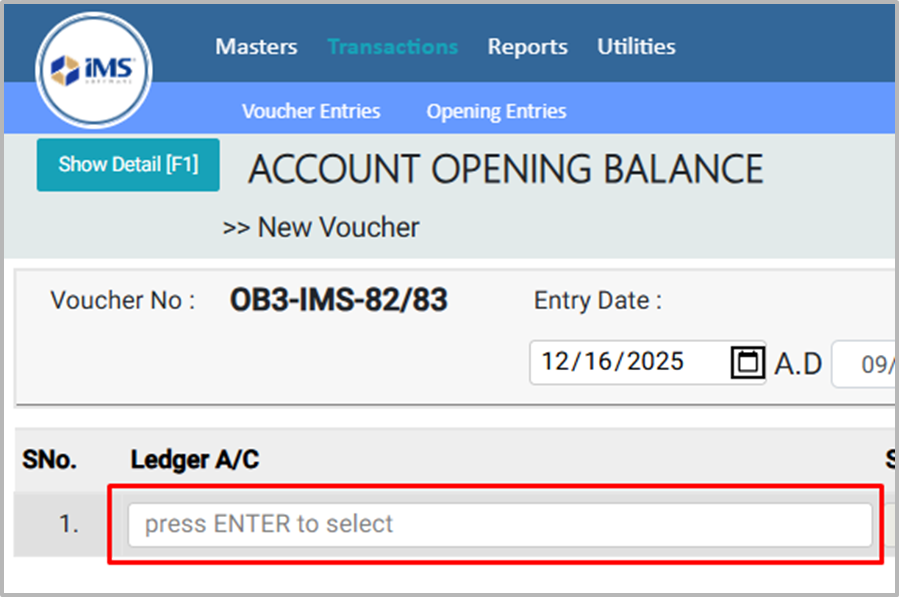
7. Press Enter in the Ledger A/C field.
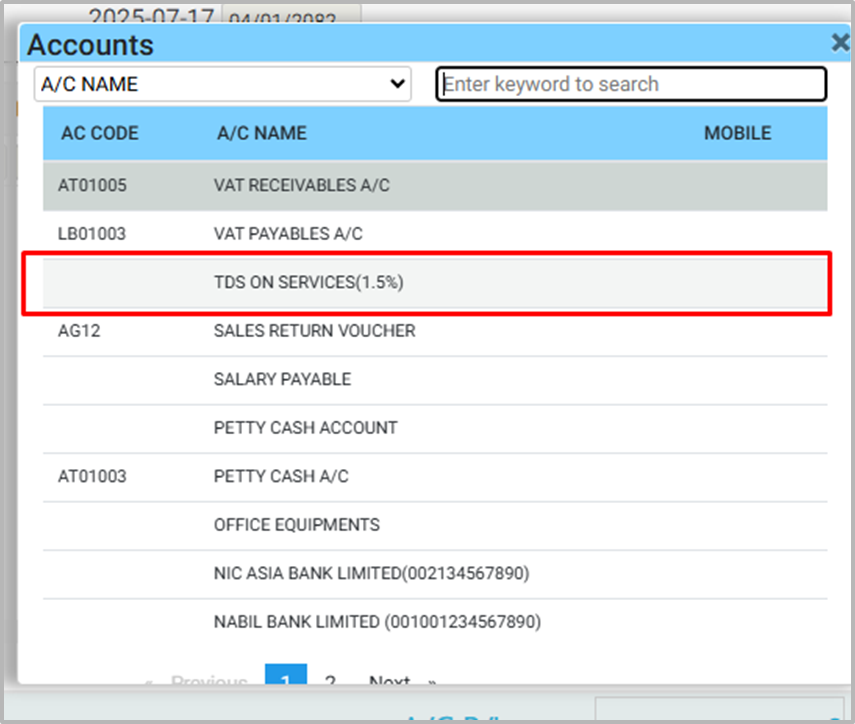
8. From the Account List pop-up, Search or choose the required ledger account, For Eg: TDS ON SERVICES
9. Enter the sub-ledger name by selecting it from the account list in the Sub Ledger field, for EG: Mr.HEMANTA RAJ ADHIKARI
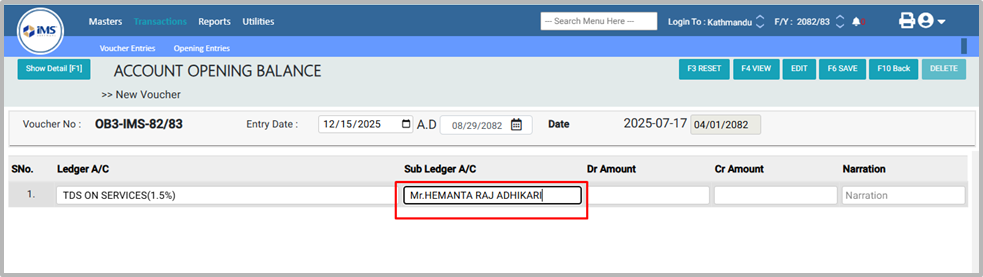
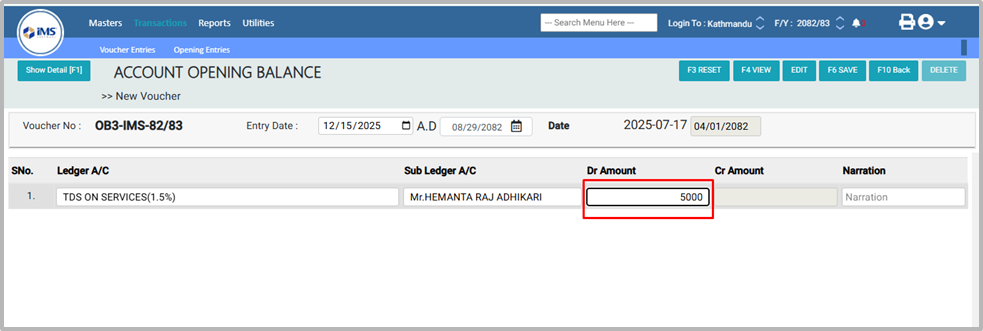
10. Enter the Dr (Debit) amount, For EG :5000
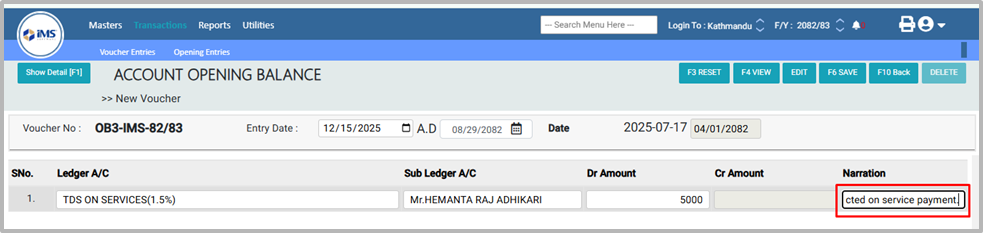
11. In the Narration field, enter a description of the transaction (e.g.,Being TDS (1.5%) deducted on service payment.
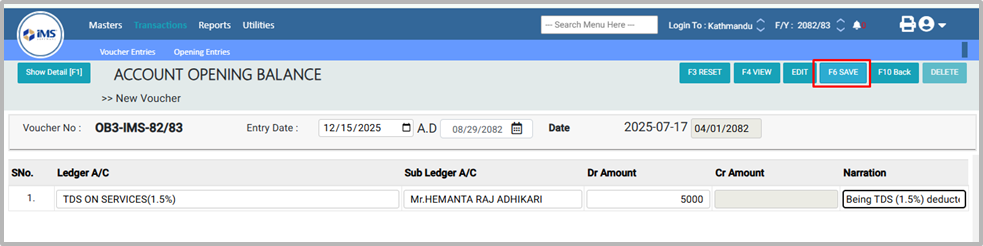
12. Click F6 or the Save button to add the new Account Opening Balance transaction.
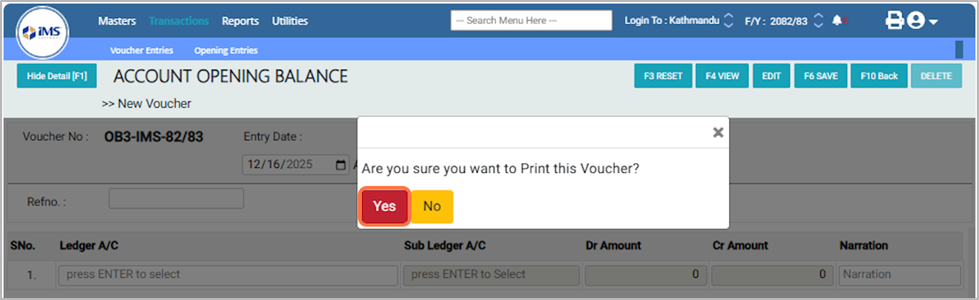
13. A confirmation pop-up will appear asking, "Are you sure you want to print this voucher?" Click Yes to print the voucher, or No to cancel the action.
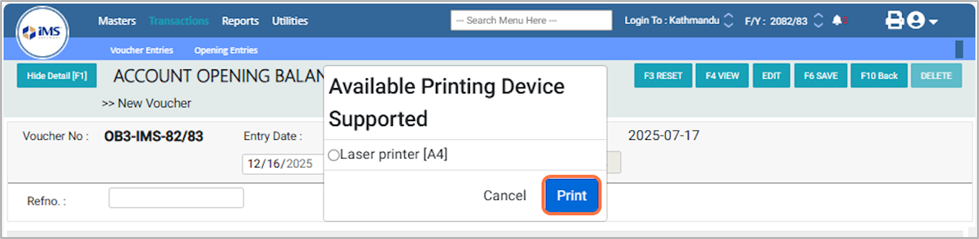
14. In the Available Printing Device Supported option, select the Laser Printer [F4] and then click the Print button.
15. Account Opening Balance Bill Sample: