Dashboard Overview
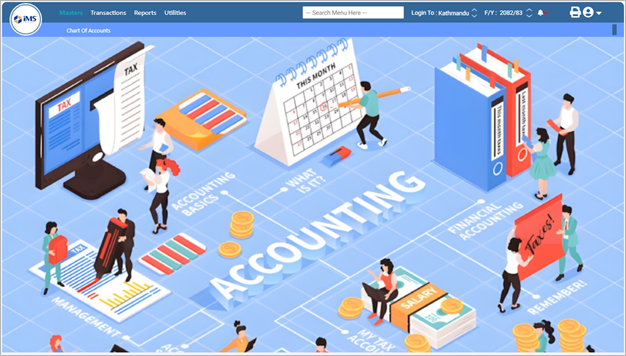
The Account Module Dashboard provides a quick and organized summary of all accounting-related activities in IMS Software. It is designed to help users easily access key financial menus, monitor transactions, and perform accounting operations efficiently.
2. Using the Search Menu
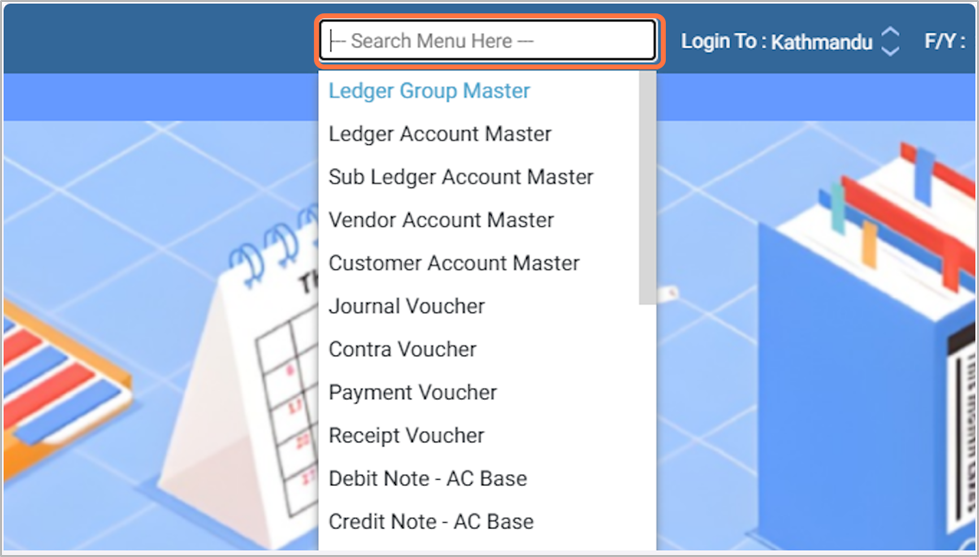
If you click on “Search Menu Here”, you can search for any accounting feature or option available in the Account Module. A suggested list will appear as you type, and you can select the desired option directly from the list.
3. Login Branch Selection
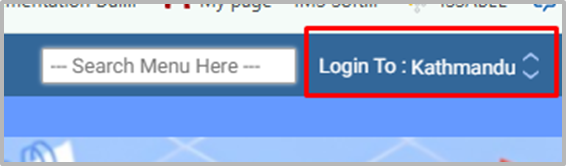
This field displays your current login branch. If you want to switch to another branch, click on it and select a branch from the available list.
Eg: Kathmandu
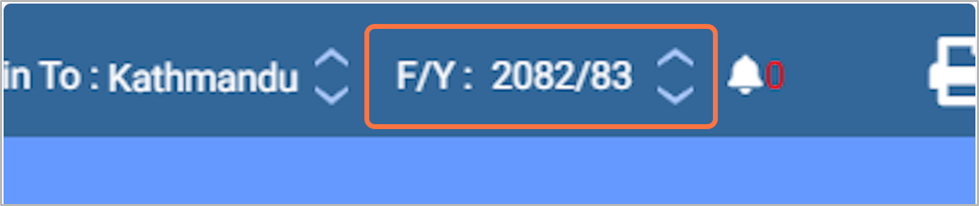
4. Fiscal Year Selection
This field shows the fiscal year currently in use. If you want to change it, click on the field and select the desired fiscal year as per your need.
F/Y : 2082/83
5. Notifications
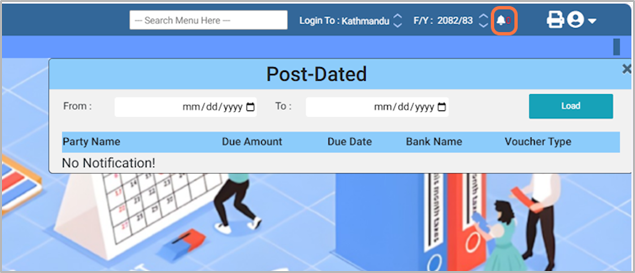
Click the Notification icon to view all system notifications.
This section displays important alerts, updates, and messages related to the software.
6. User Menu Option:
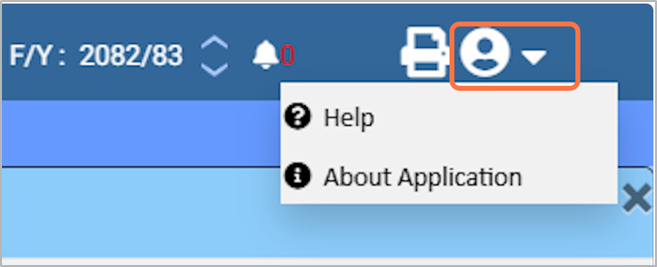
Help File: Click to open the User Manual Guide (PDF).
About the Application: This section is currently blank.
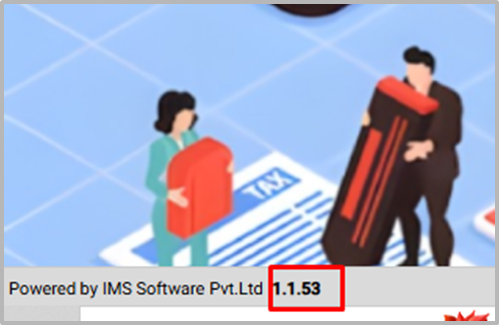
7. Check the software version.
1.1.53
8. It shows the login company name, location, user ID, and branch name.
Eg: Company Demo IMS Pvt. Ltd. Location Kathmandu, Nepal Login User demo@gmail.com User BranchKathmandu

9. Master module
Click on Masters to manage ledger groups and other account master information.

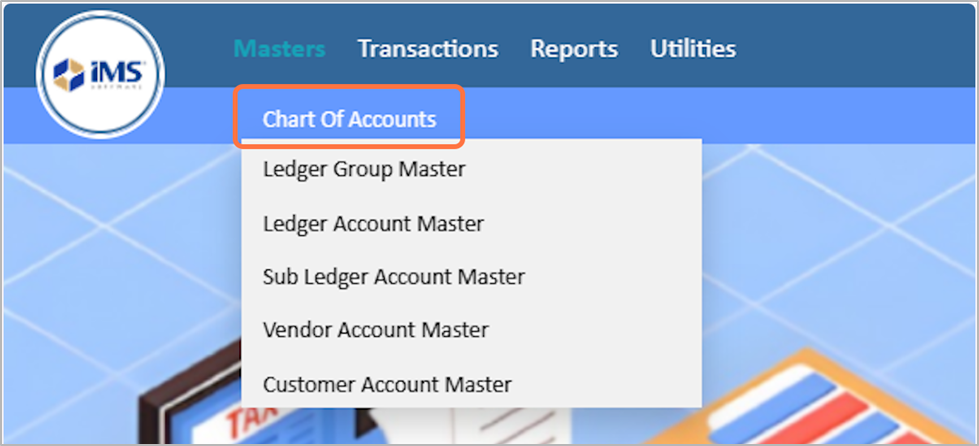
10. Chart Of Accounts
Under Masters → Chart of Accounts, you can manage:
- Ledger Group Master – Create and manage different ledger groups for organizing financial accounts.
- Ledger Account Master – Add or update individual ledger accounts used in accounting transactions.
- Sub-Ledger Account Master – Create detailed sub-ledgers under main ledgers for specific tracking.
- Vendor Account Master – Add and maintain vendor/supplier accounts for purchase-related transactions.
- Customer Master – Add and maintain customer accounts for sales and receivable tracking.
These tools help you maintain organized and accurate financial account structures.
These tools help you maintain organized and accurate financial account structures.
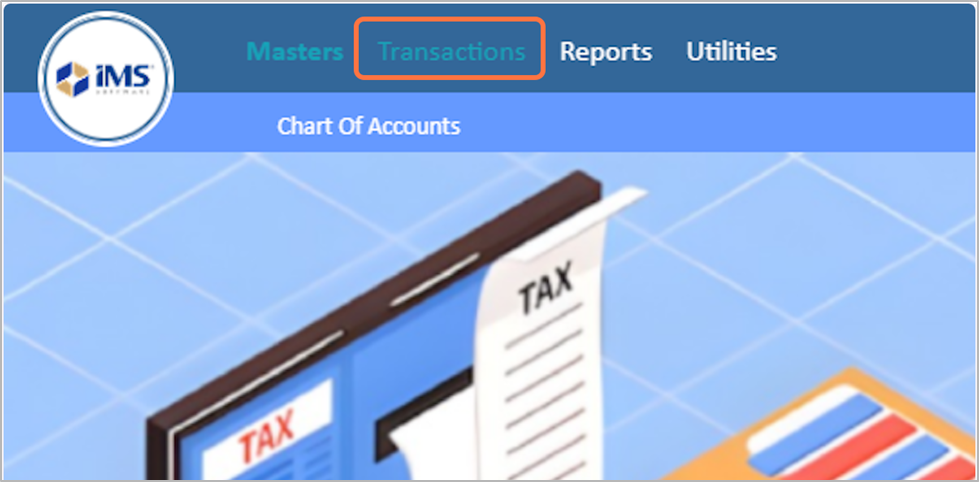
11. Transaction module
The Transaction section in the Account module allows you to record and manage all financial activities. It includes voucher entries, opening balances, and other accounting operations required for daily bookkeeping.
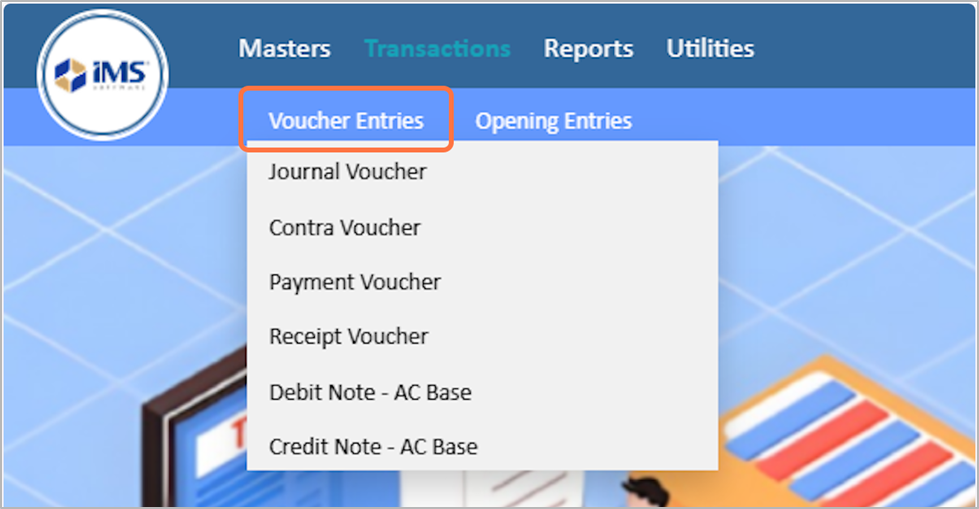
12. Voucher Entries
Under Transaction → Voucher Entries, you can manage:
- Journal Voucher – Record adjustments, transfers, or non-cash accounting entries.
- Contra Voucher – Record cash and bank transfers within the business (e.g., cash to bank, bank to cash).
- Payment Voucher – Enter all payment transactions made to vendors, suppliers, or others.
- Receipt Voucher – Record all money received from customers or other parties.
- Debit Note (A/C Base) – Issue a debit note for purchase returns or to increase the amount receivable from a vendor.
- Credit Note (A/C Base) – Issue a credit note for sales returns or to reduce the amount receivable from a customer.
These voucher options help you record all financial transactions accurately.
These voucher options help you record all financial transactions accurately.
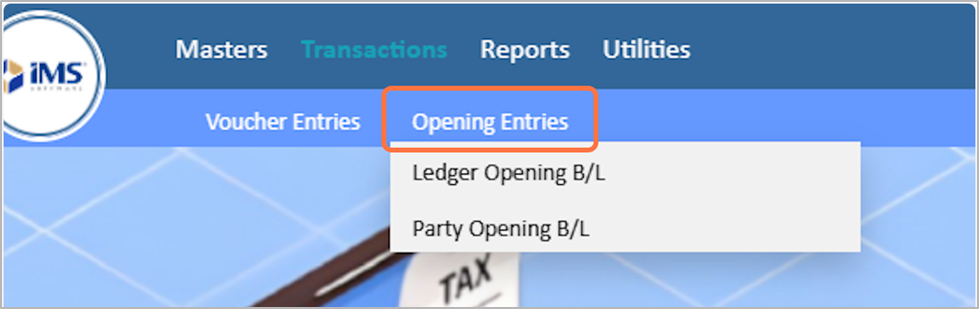
13. Opening Entries
Under Transaction → Opening Entries, you can manage:
- Ledger Opening B/L – Enter opening balances for ledger accounts at the beginning of a fiscal year.
- Party Opening B/L – Enter opening balances for customers and vendors to start tracking receivables and payables.
These options help you set up accurate starting balances for your accounting records.
These options help you set up accurate starting balances for your accounting records.
14. Report Module
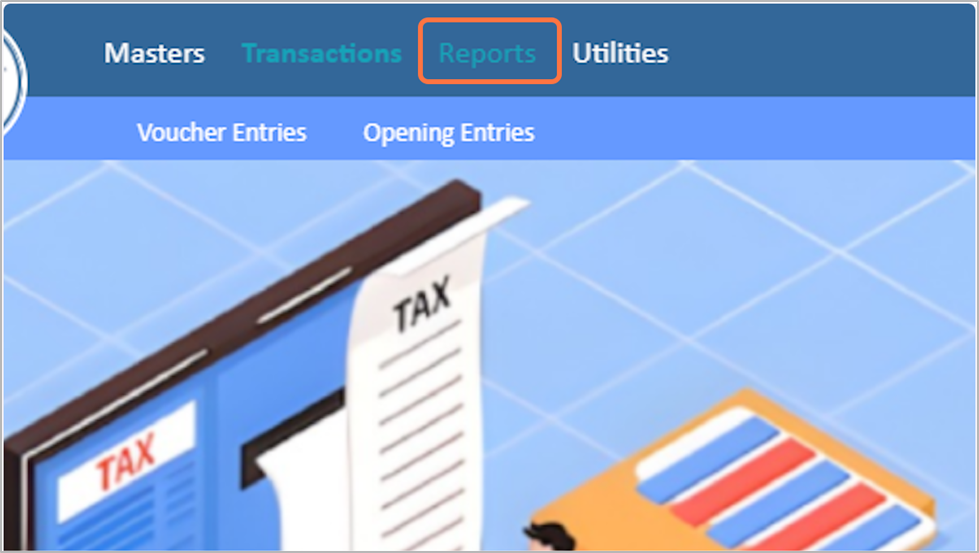
The Report Module in the Account section allows you to view, analyze, and print financial reports. It provides insights into your company’s financial position and helps in decision-making.
15. Ledger Report
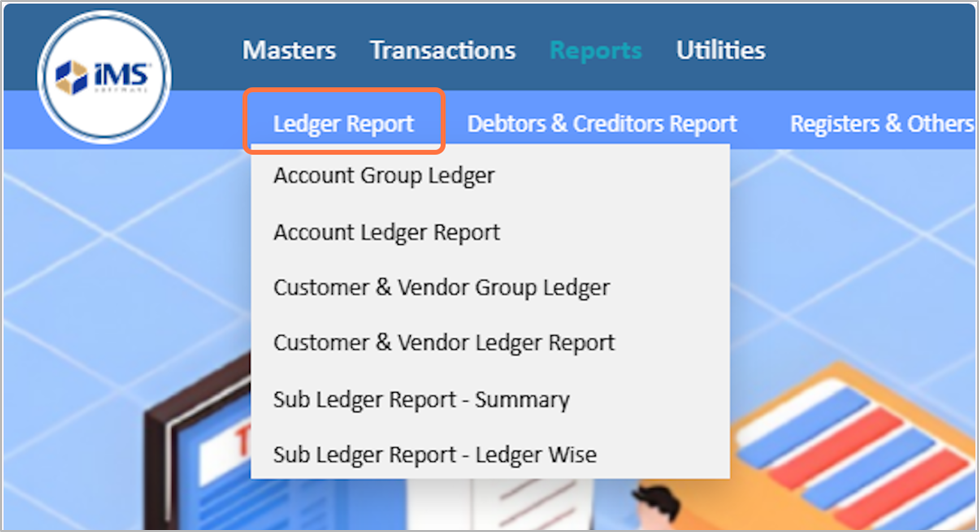
Under Report → Ledger Report, you can access:
- Account Group Ledger – View ledger balances grouped by account types.
- Account Ledger Report – Detailed report of individual ledger accounts.
- Customer & Vendor Group Ledger – Ledger balances grouped by customers or vendors.
- Customer & Vendor Ledger Report – Detailed ledger report for each customer or vendor.
- Sub-Ledger Report Summary – Summary of all sub-ledger accounts.
- Sub-Ledger Report – Ledger Wise – Detailed sub-ledger report for each ledger account.
These reports help you track and analyze all ledger-related transactions efficiently.
These reports help you track and analyze all ledger-related transactions efficiently.
16. Debtors & Creditors Report
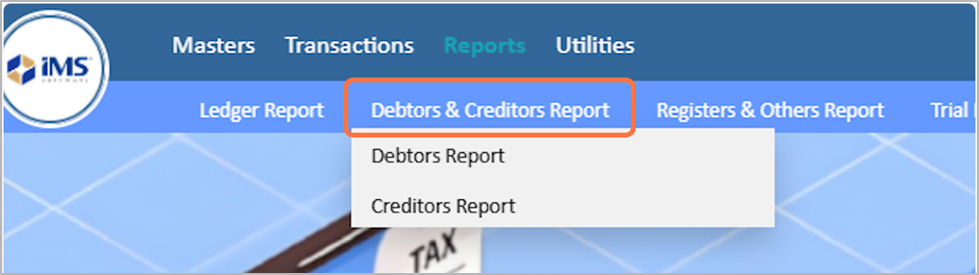
Under Report → Debtors and Creditors Report, you can access:
- Debtors Report – View outstanding amounts receivable from customers.
- Creditors Report – View outstanding amounts payable to vendors or suppliers.
These reports help you monitor receivables and payables for better financial management.
These reports help you monitor receivables and payables for better financial management.
17. Registers & Others Report
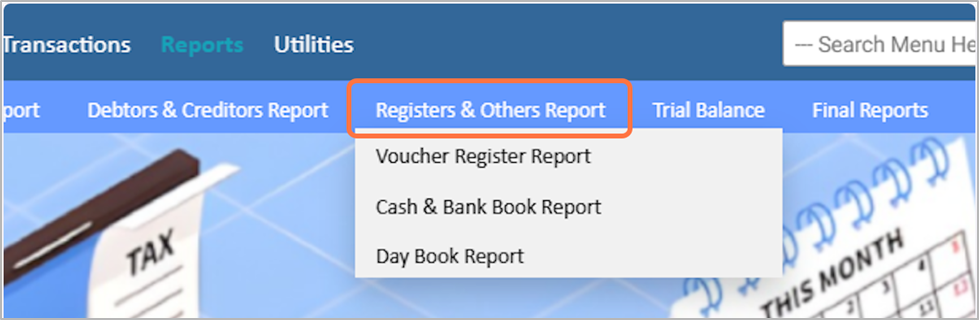
Under Report → Registers & Other Reports, you can access:
- Voucher Register Report – View all recorded vouchers for a selected period.
- Cash and Bank Book Report – Track all cash and bank transactions.
- Day Book Report – Review all daily accounting entries in chronological order.
These reports help you maintain detailed records of all financial transactions.
These reports help you maintain detailed records of all financial transactions.
18. Trail Balance Module
The Trial Balance is a report that lists all ledger accounts along with their debit and credit balances at a specific point in time. It is used to verify that total debits equal total credits in the accounting system, ensuring that the books are mathematically balanced.
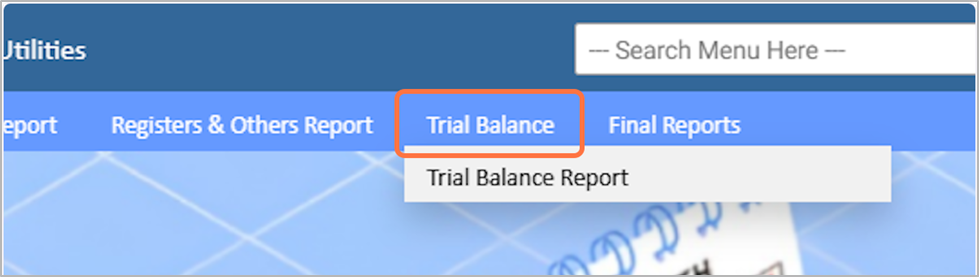
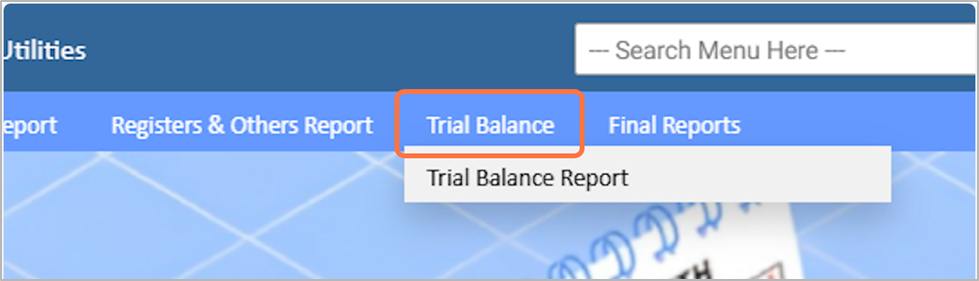
19. Trail Balance Report
Under Report → Trial Balance, you can access:
- Trial Balance Report – Displays all ledger accounts with their debit and credit balances for a selected period. It helps verify that total debits equal total credits and ensures the accuracy of accounting records.
20. Final Reports
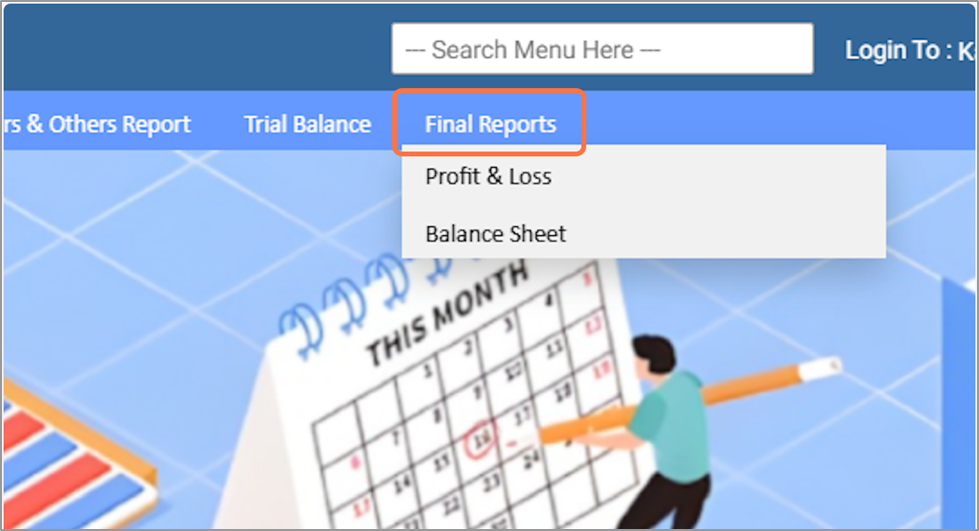
The Final Report in the Account module provides the summarized financial statements of the company. It includes key reports like:
- Balance Sheet – Shows the company’s assets, liabilities, and equity.
- Profit & Loss Statement – Displays income and expenses to determine net profit or loss.
These reports help management review overall financial performance and make informed business decisions.
These reports help management review overall financial performance and make informed business decisions.
21. Utilities module
The Utilities Module provides tools to manage system settings, backups, and other administrative tasks in IMS Software. It helps maintain smooth operation and ensures data safety.

22. Reconciliation
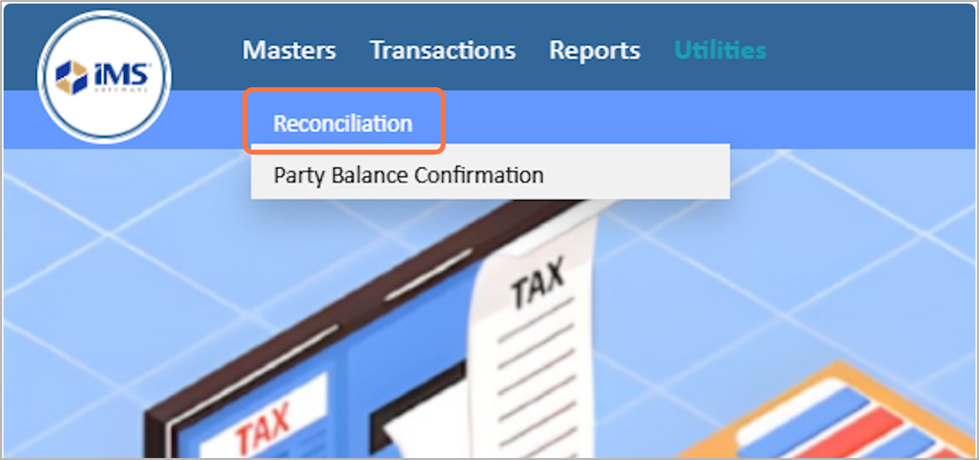
Under Utilities → Reconciliation, you can access:
- Party Balance Confirmation – Verify and confirm the opening and current balances of customers and vendors to ensure accuracy in your accounts.
This tool helps maintain correct receivable and payable balances.
This tool helps maintain correct receivable and payable balances.