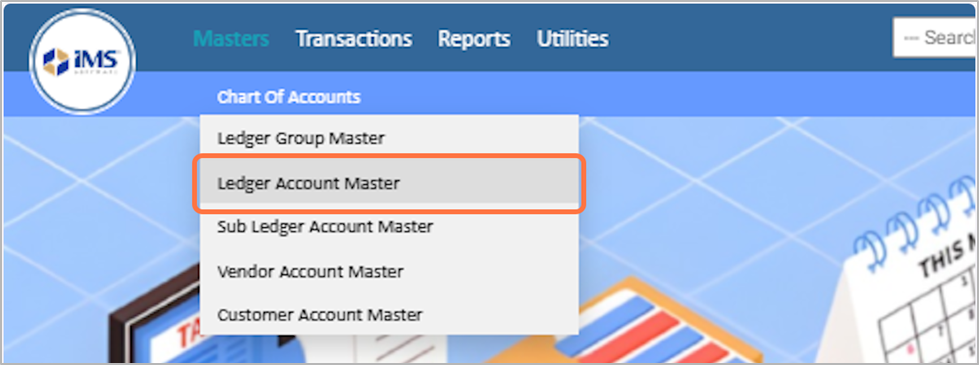
3. Choose the Ledger Account Master menu from the dropdown list.
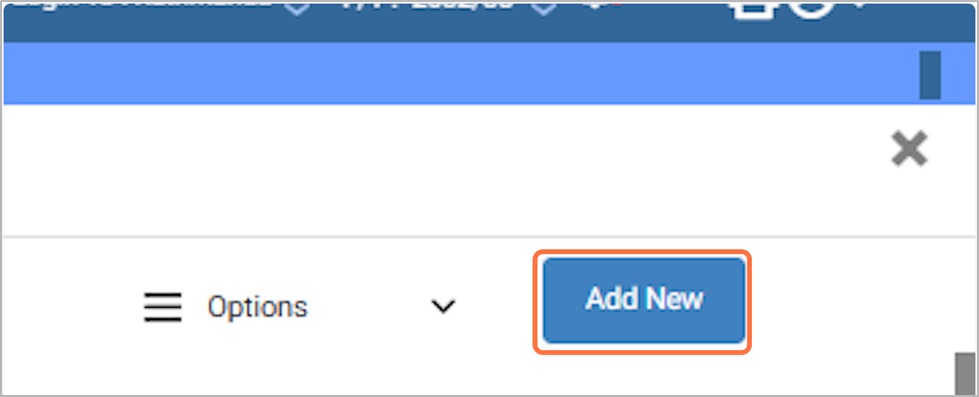
4. Click on Add New Button and choose add new ledger.
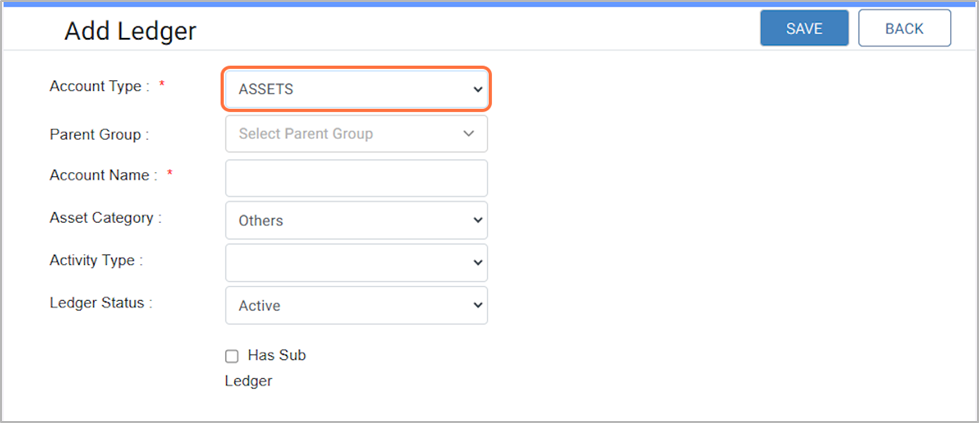
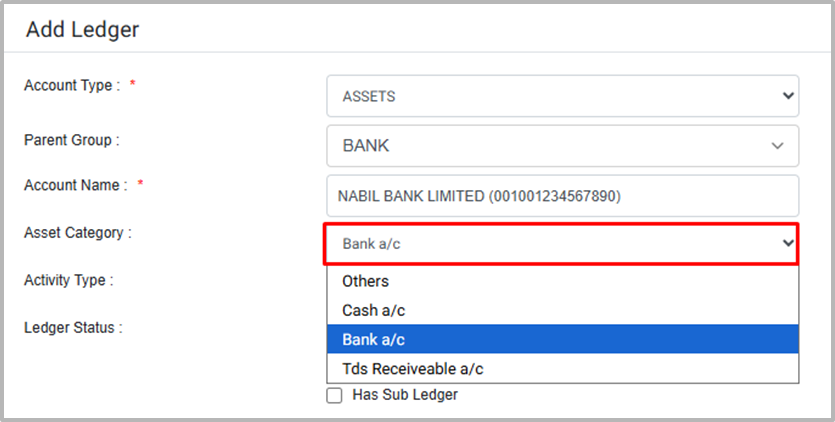
5. Choose the Account Type from the predefined options, for Eg: ASSETS
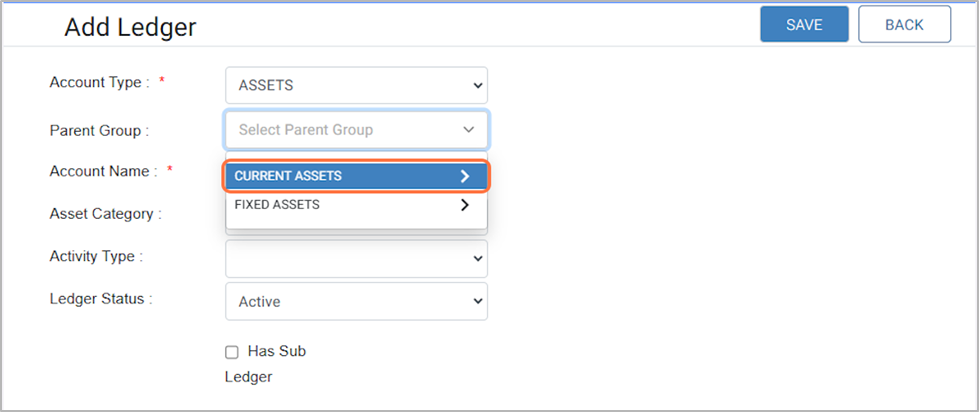
6. In the Parent field, select the appropriate parent according to the account type you have choose. ● Example: If the account type is Assets, you can choose Current Assets as the parent.
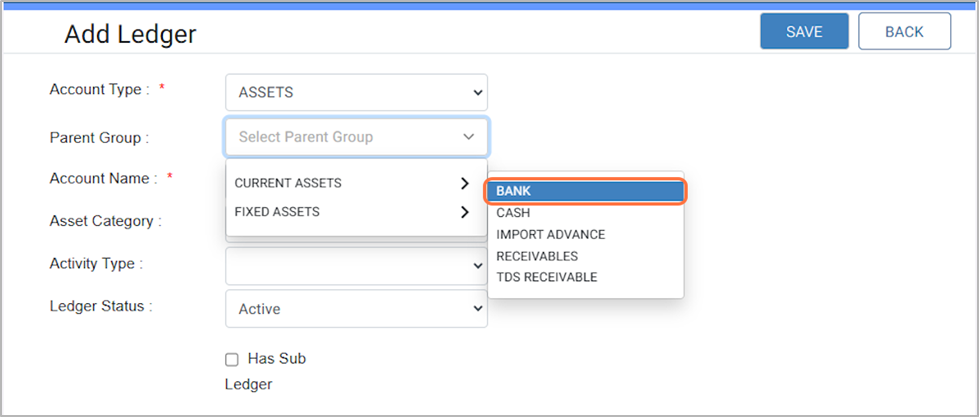
7. Under the selected parent (e.g., Current Assets), you can add a ledger group to categorize accounts further. ● Example: Under Current Assets, you can choose the ledger group as Bank.
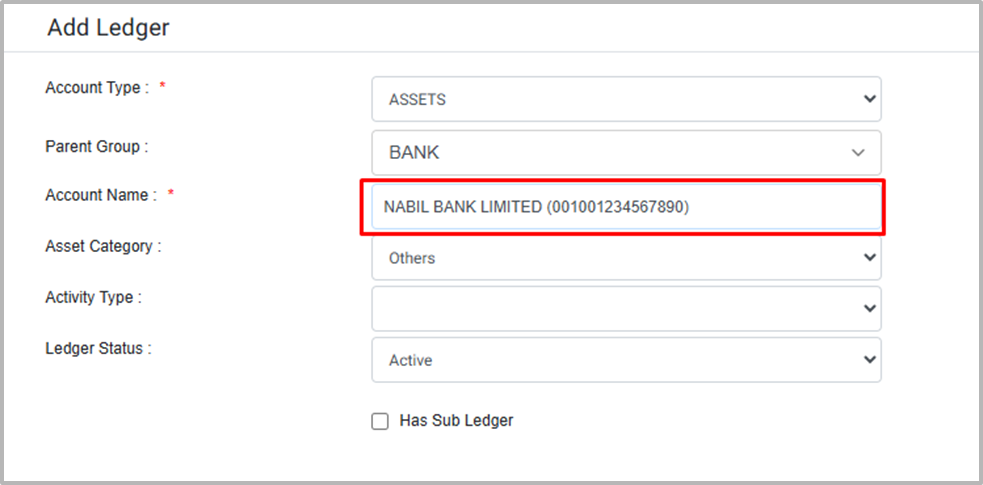
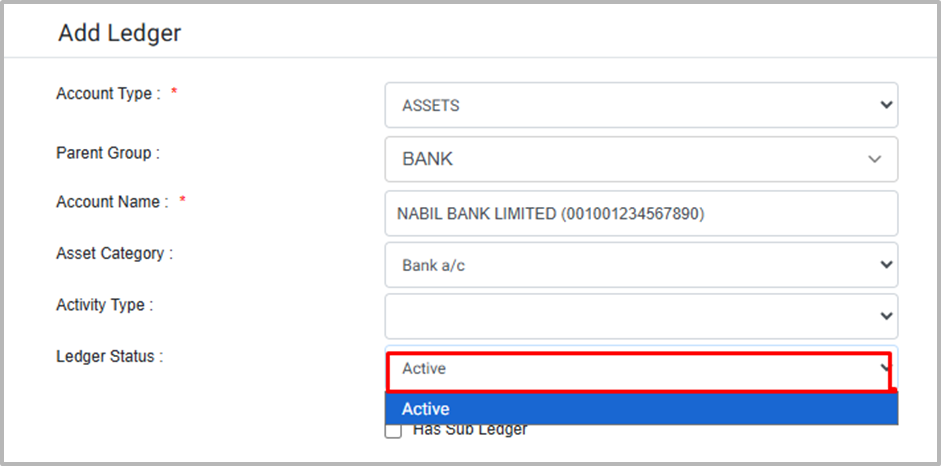
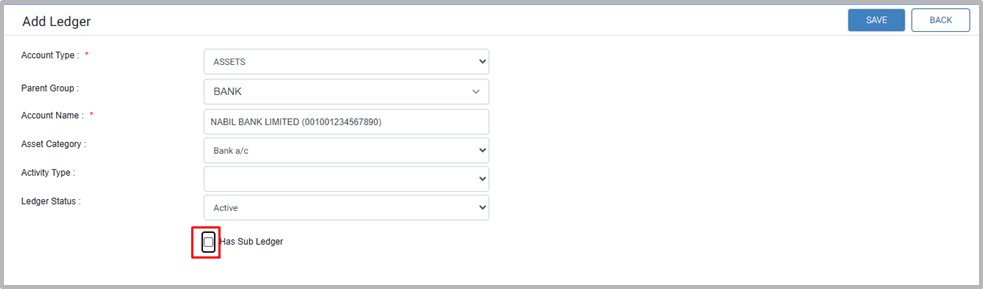
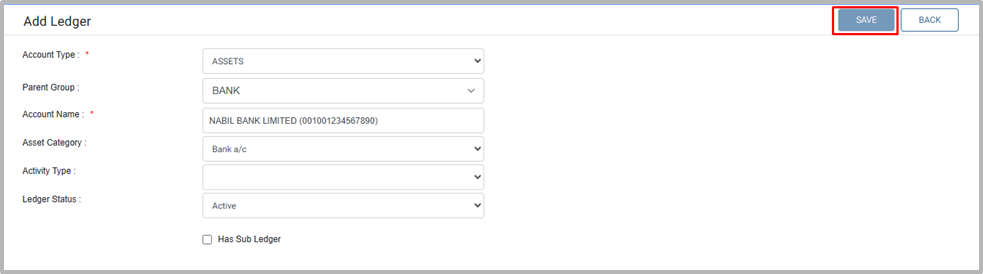
8. Enter the name of the account, For EG: NABIL BANK LIMITED (001001234567890)
9. In the assets category choose the Bank A/C for the ledger.